
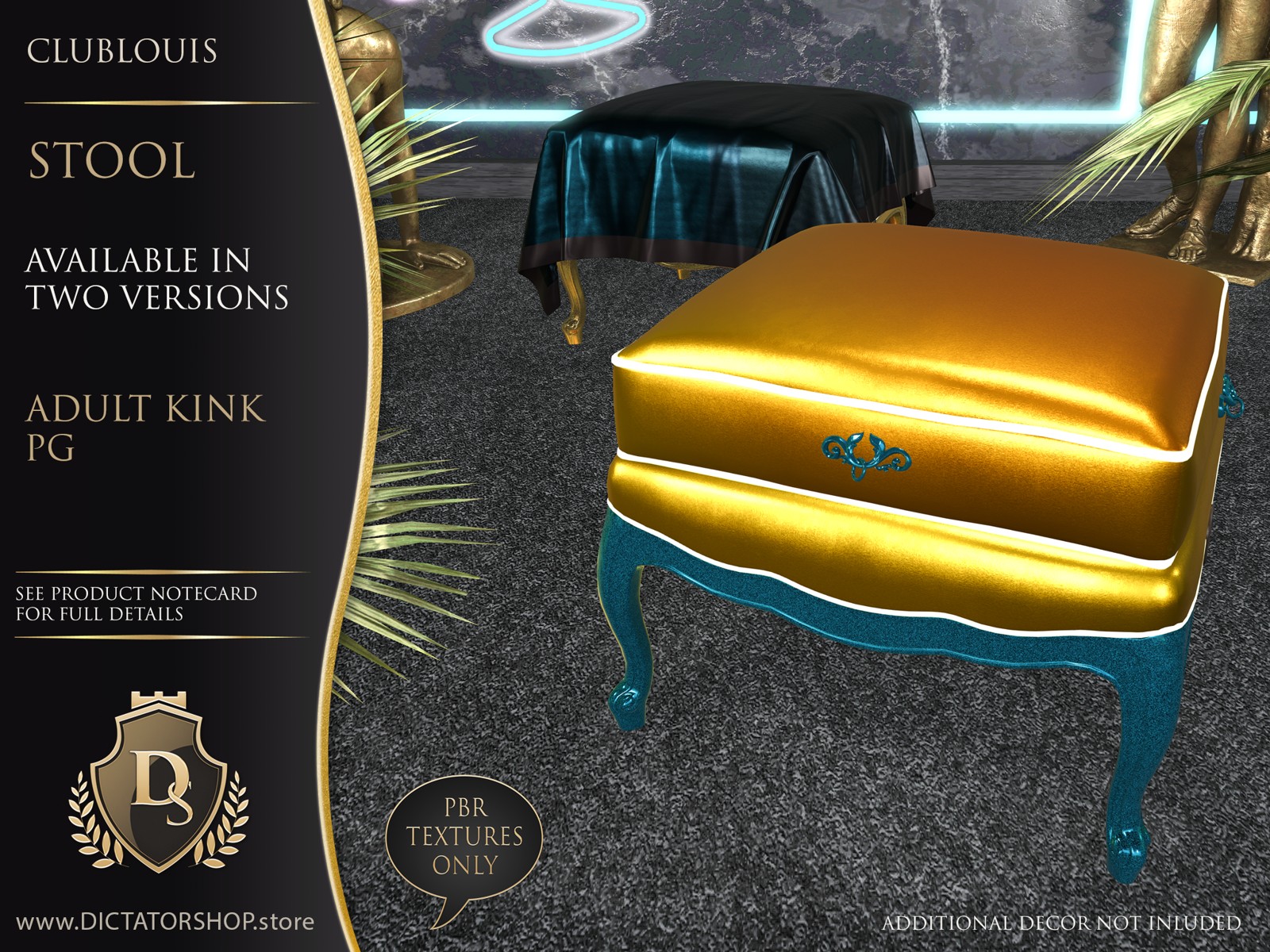
Stool
Small seat. Big personality.
Save 20% at Shop & Hop
Event offer through 31 October 2026. The discount is available only at the event.
Visit Shop & HopAvailable in-world. See the furniture and choose your version before buying.
About
Small seat, big personality. The ClubLouis Stool combines a plump upholstered top with graceful curved legs and decorative details in a compact piece that’s easy to place. Pull it into a conversation corner, tuck it beside your favourite chair, or give an overlooked space a bright splash of ClubLouis character. Choose the version that suits your style, from an everyday perch to something a little more playful.
Welcome to ClubLouis, where French elegance gets dressed for a night out. Inspired by the graceful curves of Louis XV furniture, this collection brings a playful twist to traditional style with bold Zebra, Dali and Marilyn designs and shimmering iridescent solids. Keep the piping subtle or switch on its neon glow for a little after-dark glamour. Start with one of nine coordinated presets, then make the colours your own. Everything is modifiable and tintable, with white fabrics that take colour beautifully and piping you can match to your favourite neon shade. Make yourself at home, or make a scene.
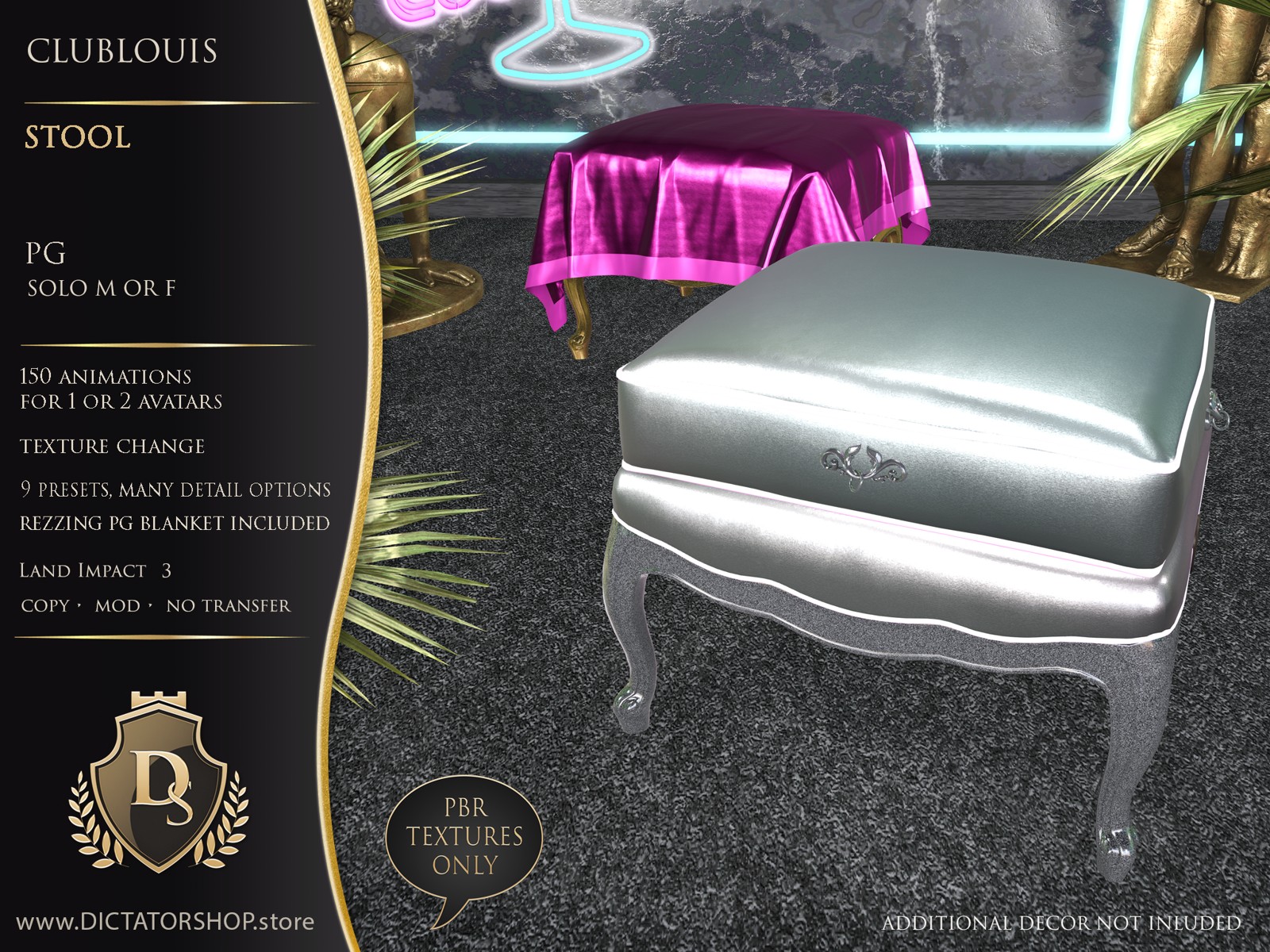
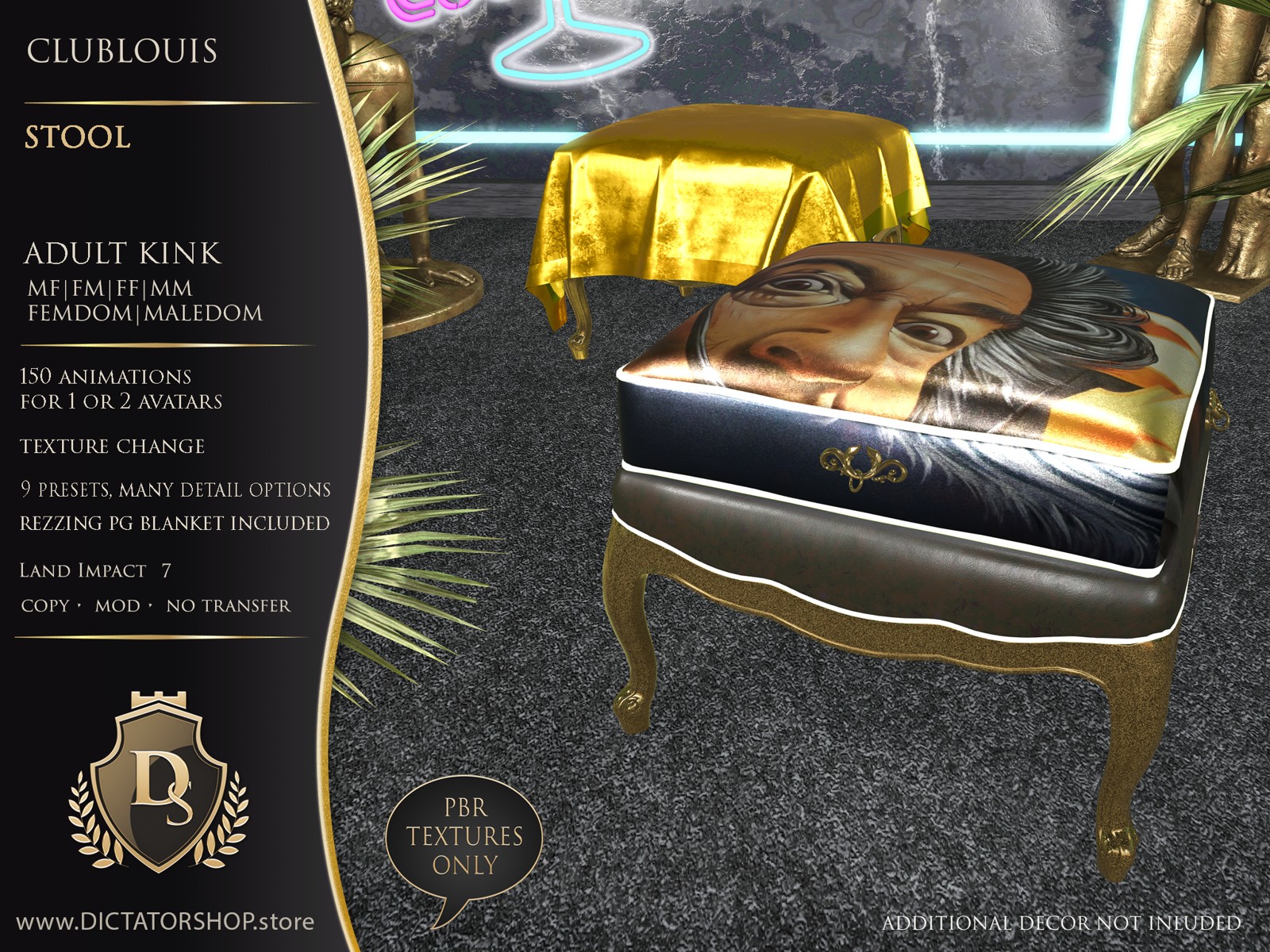
Choose your version
Both versions include individual sitting options. The AK version adds RLV-enabled adult menus.
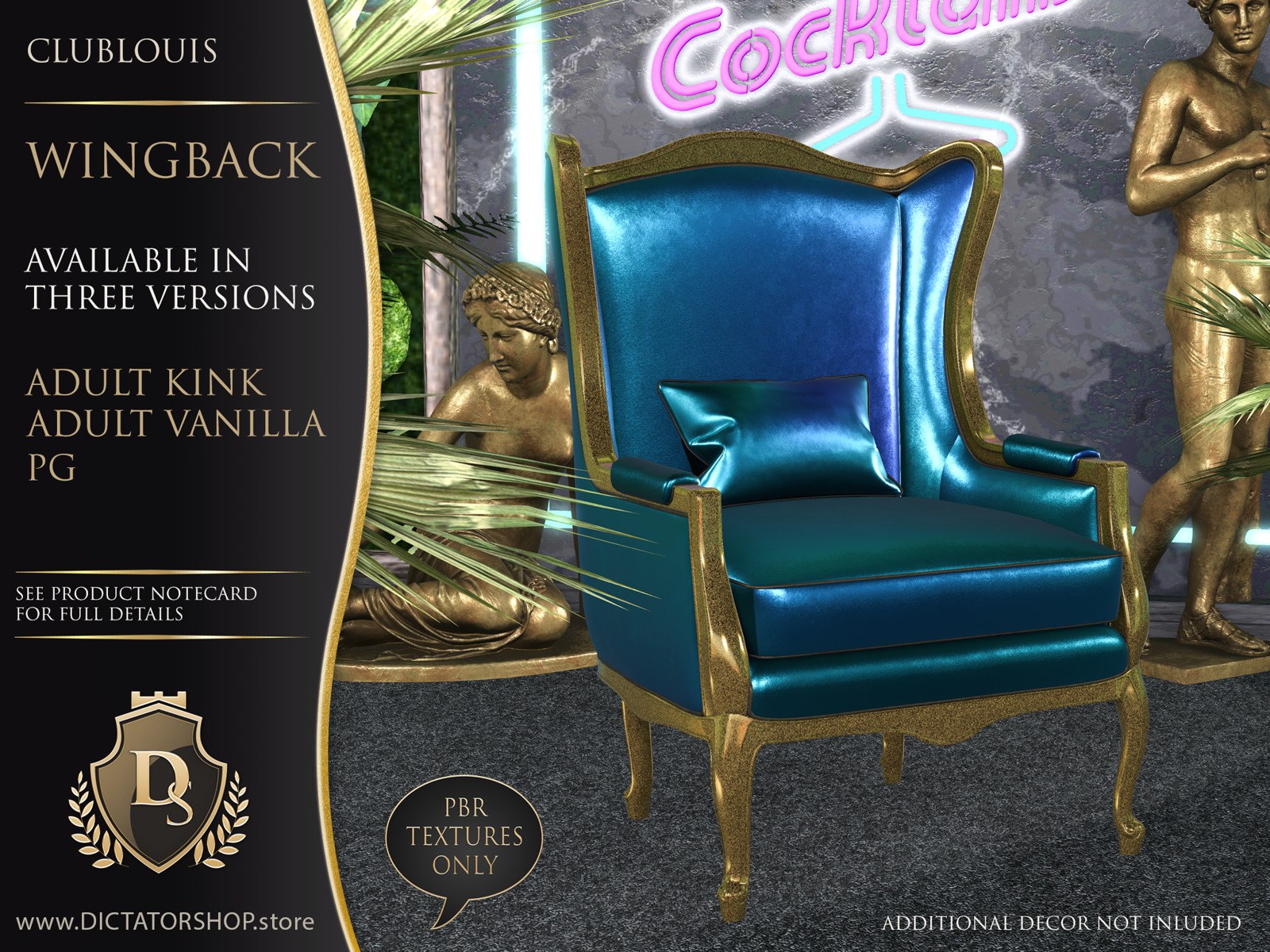
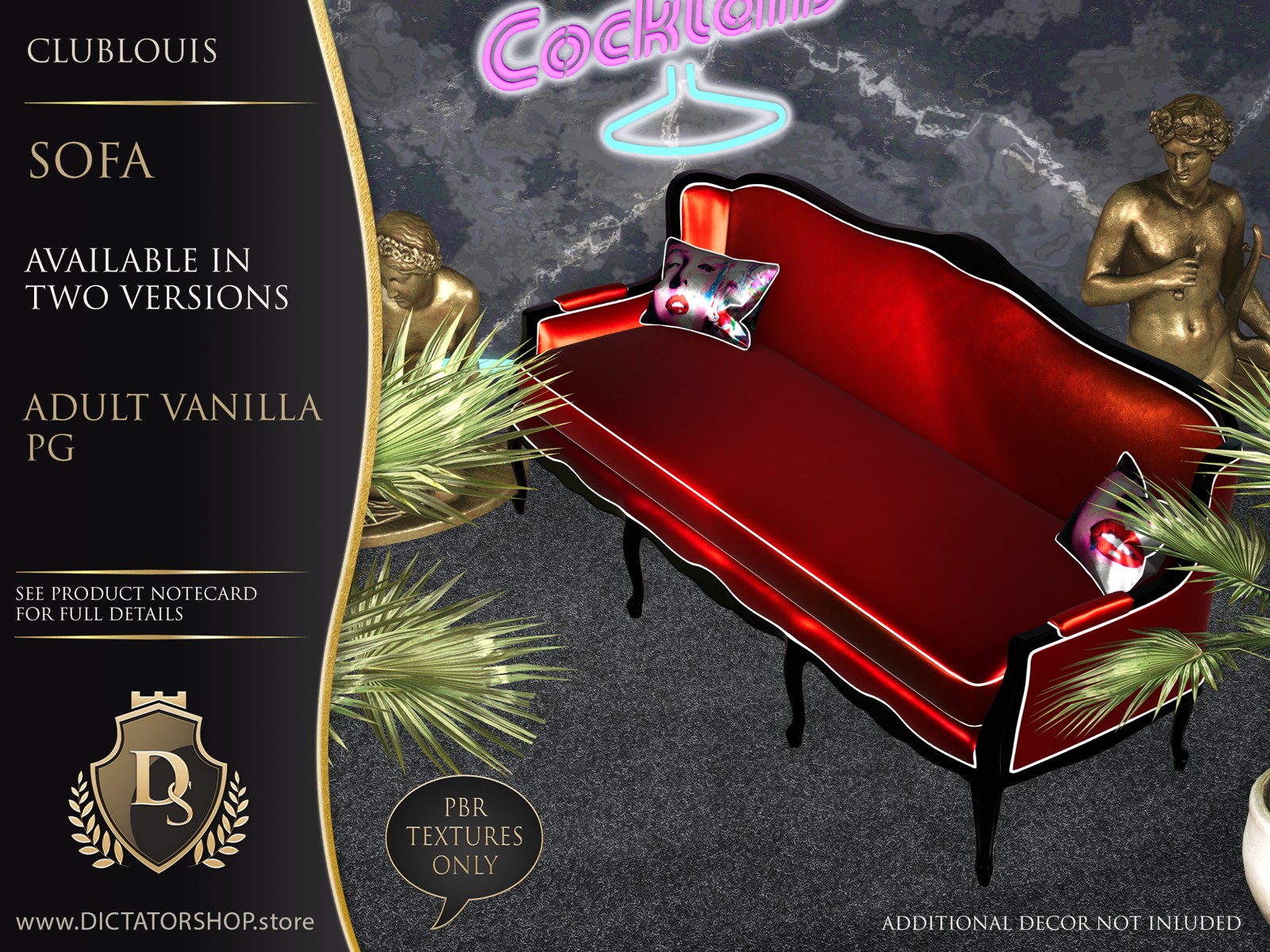
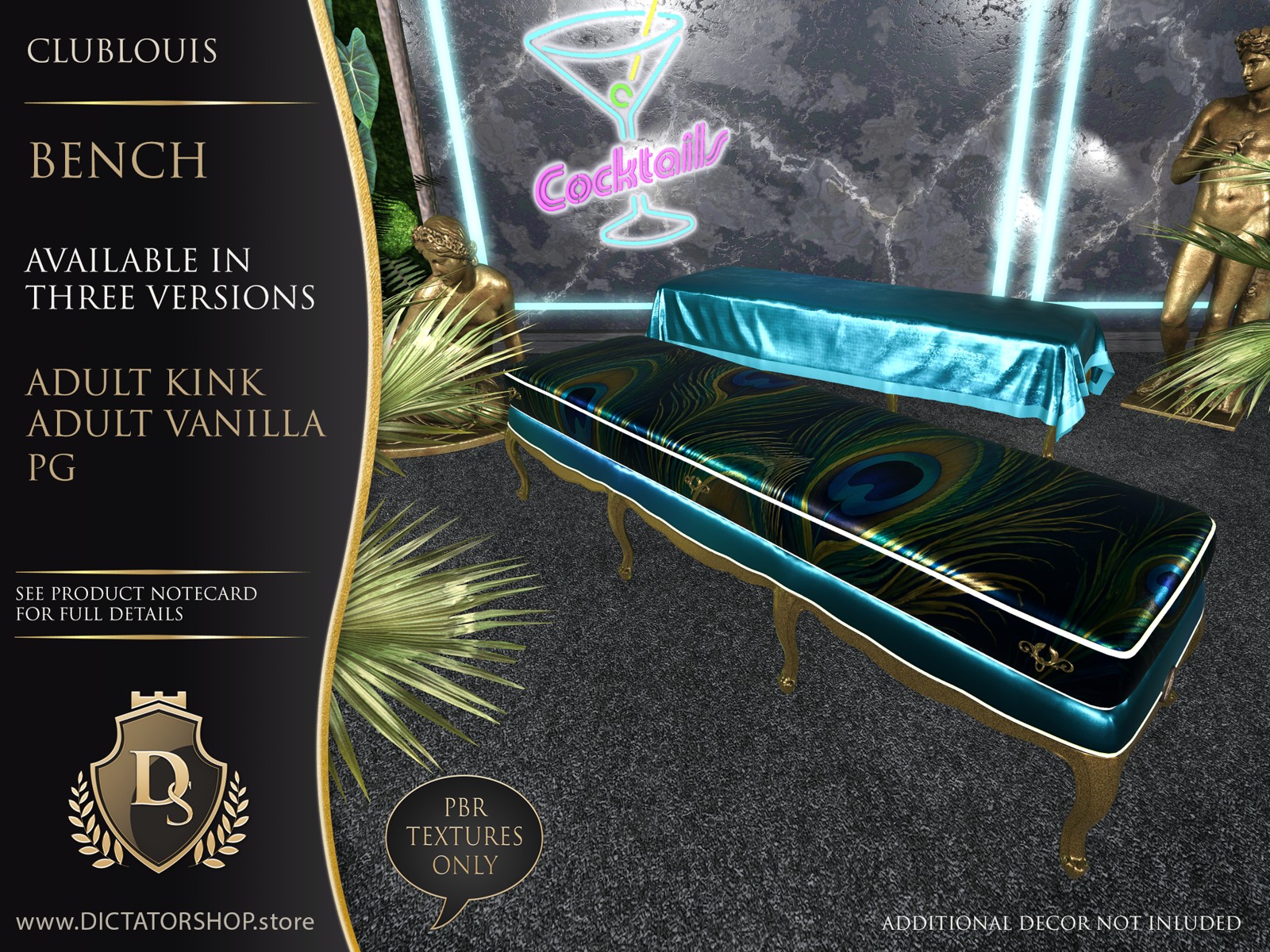
Version posters
Click a poster to view it at a larger size. Additional scene decor is not included.
Make it yours
- 9 one-click presets
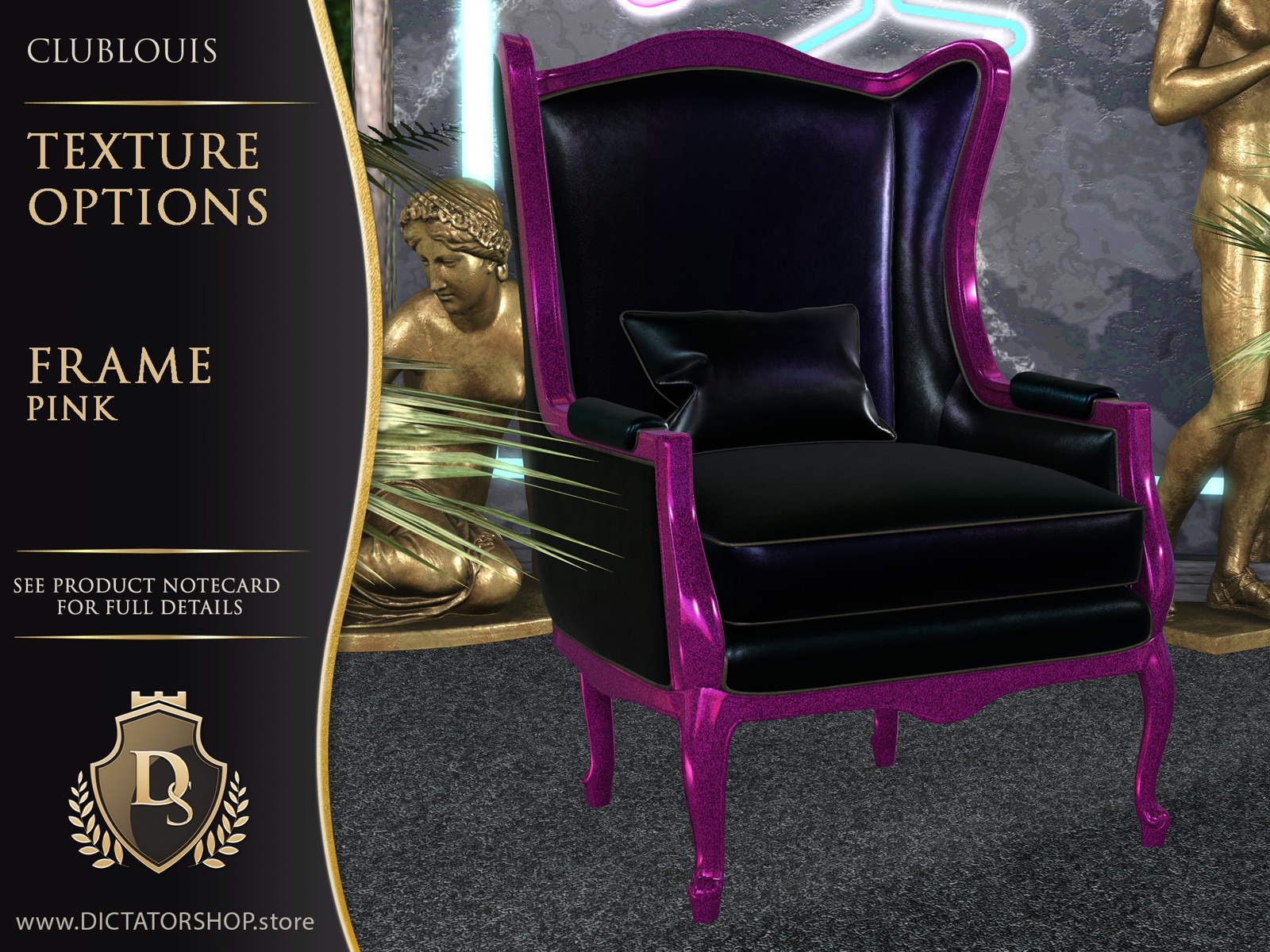
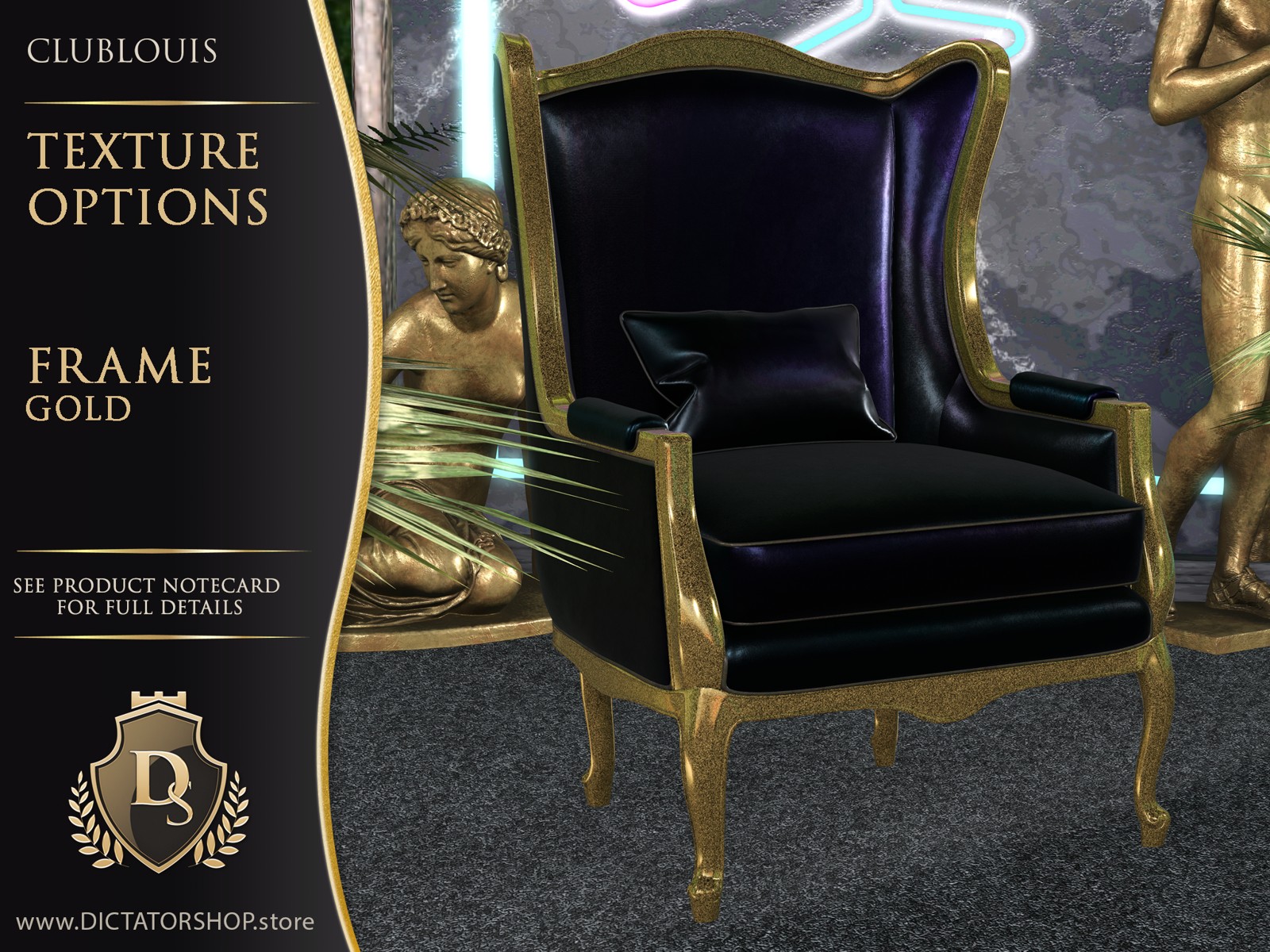
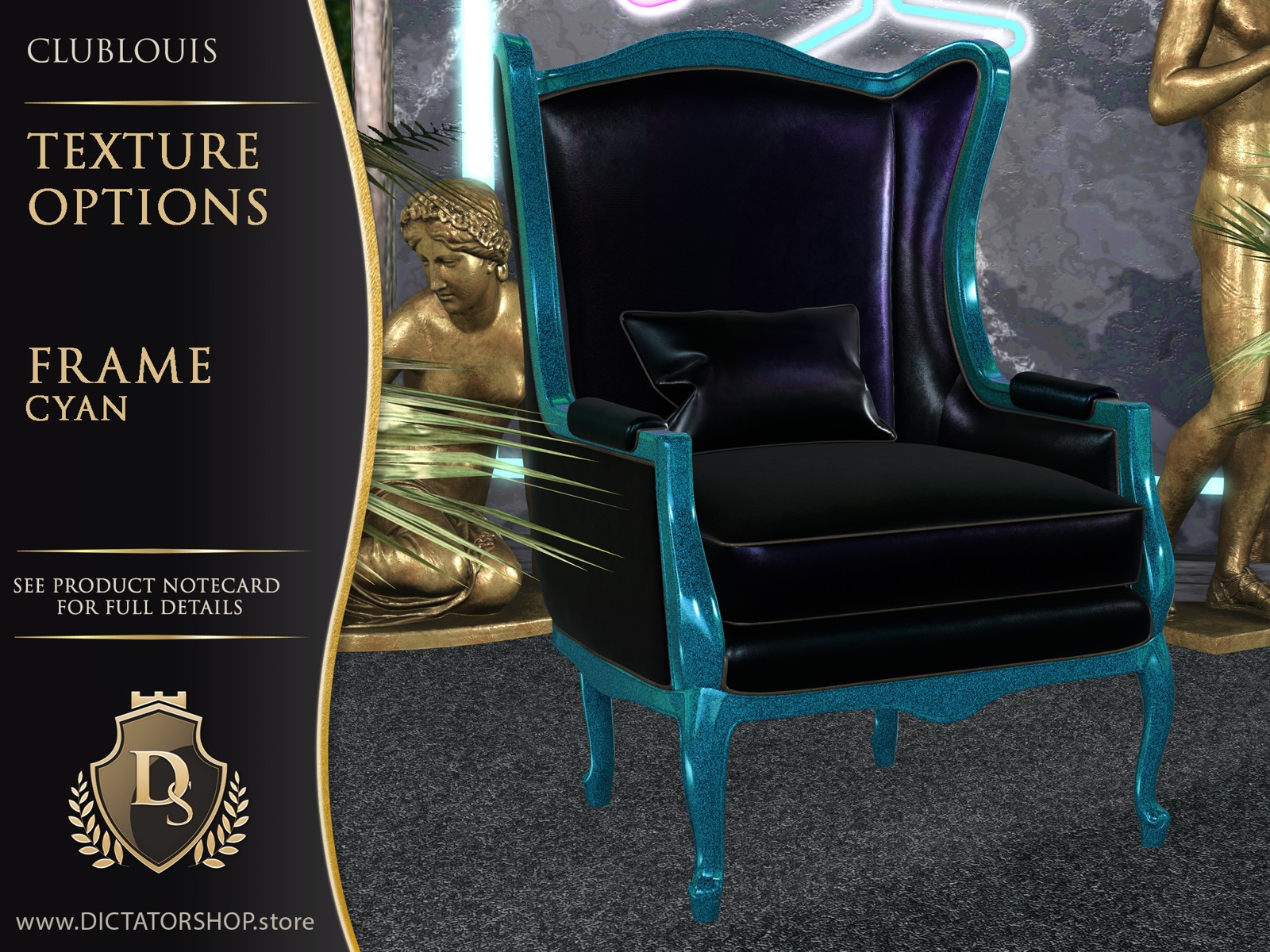
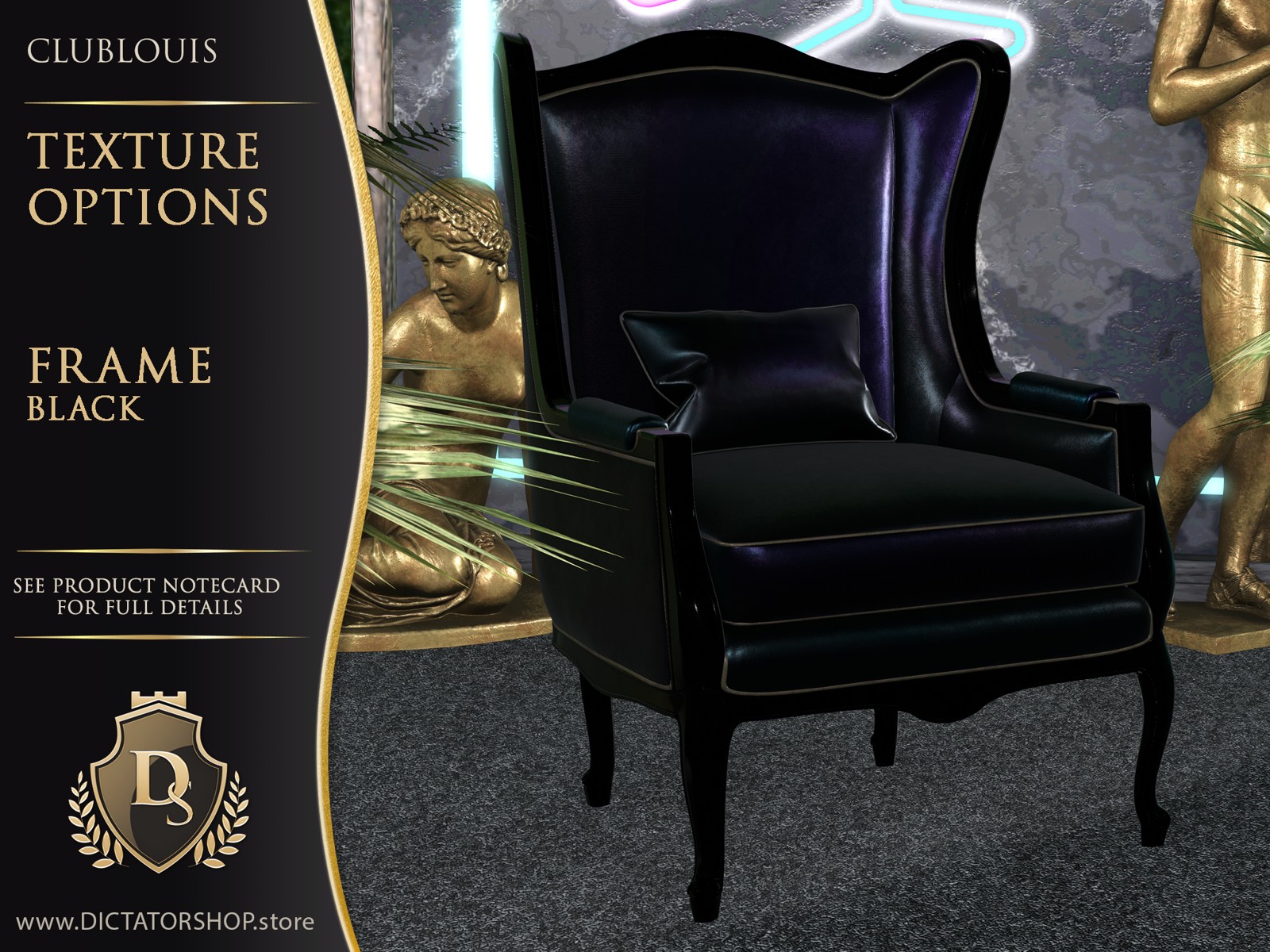
- 6 frame choices
- 11 cushion fabrics
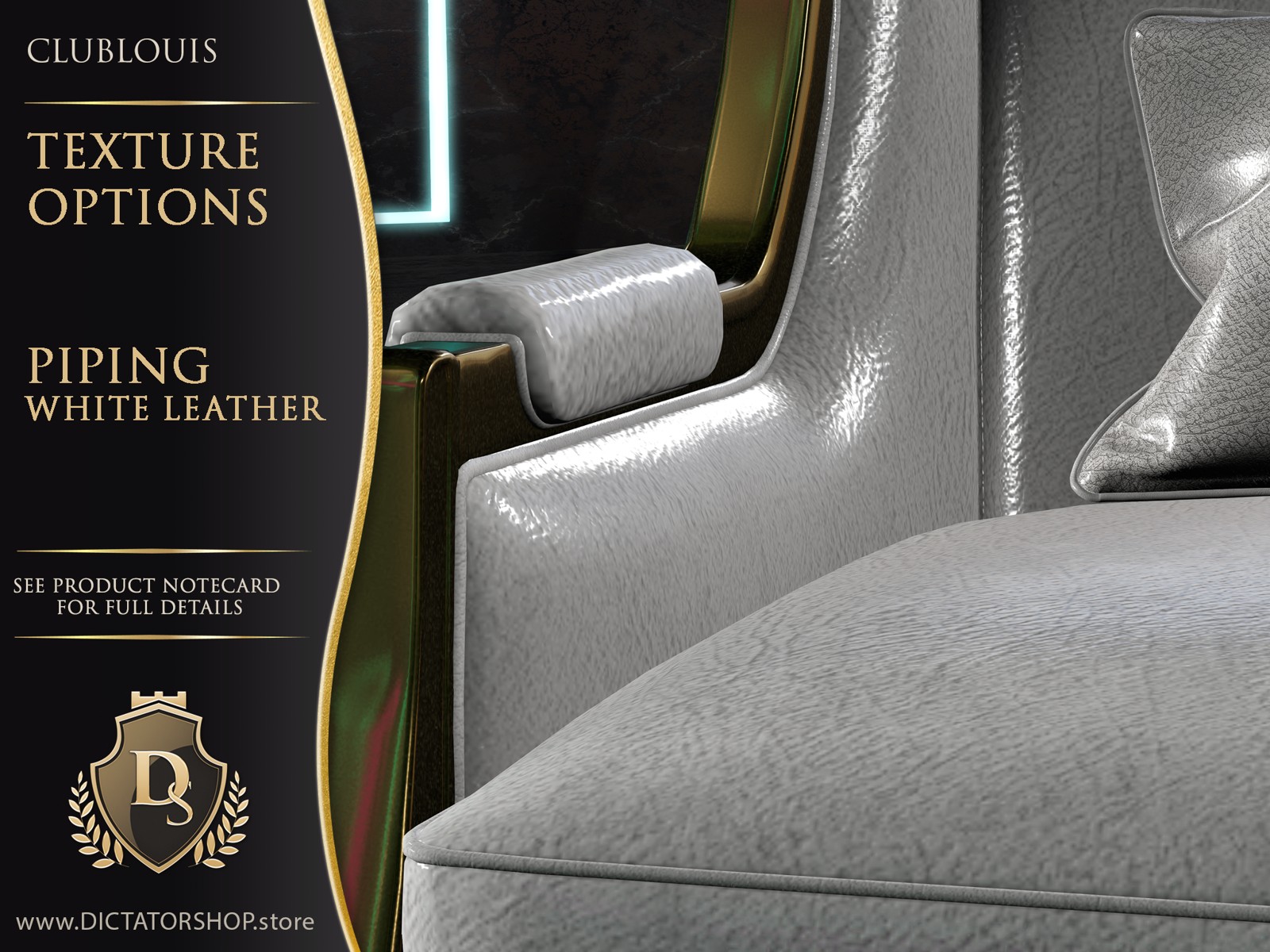
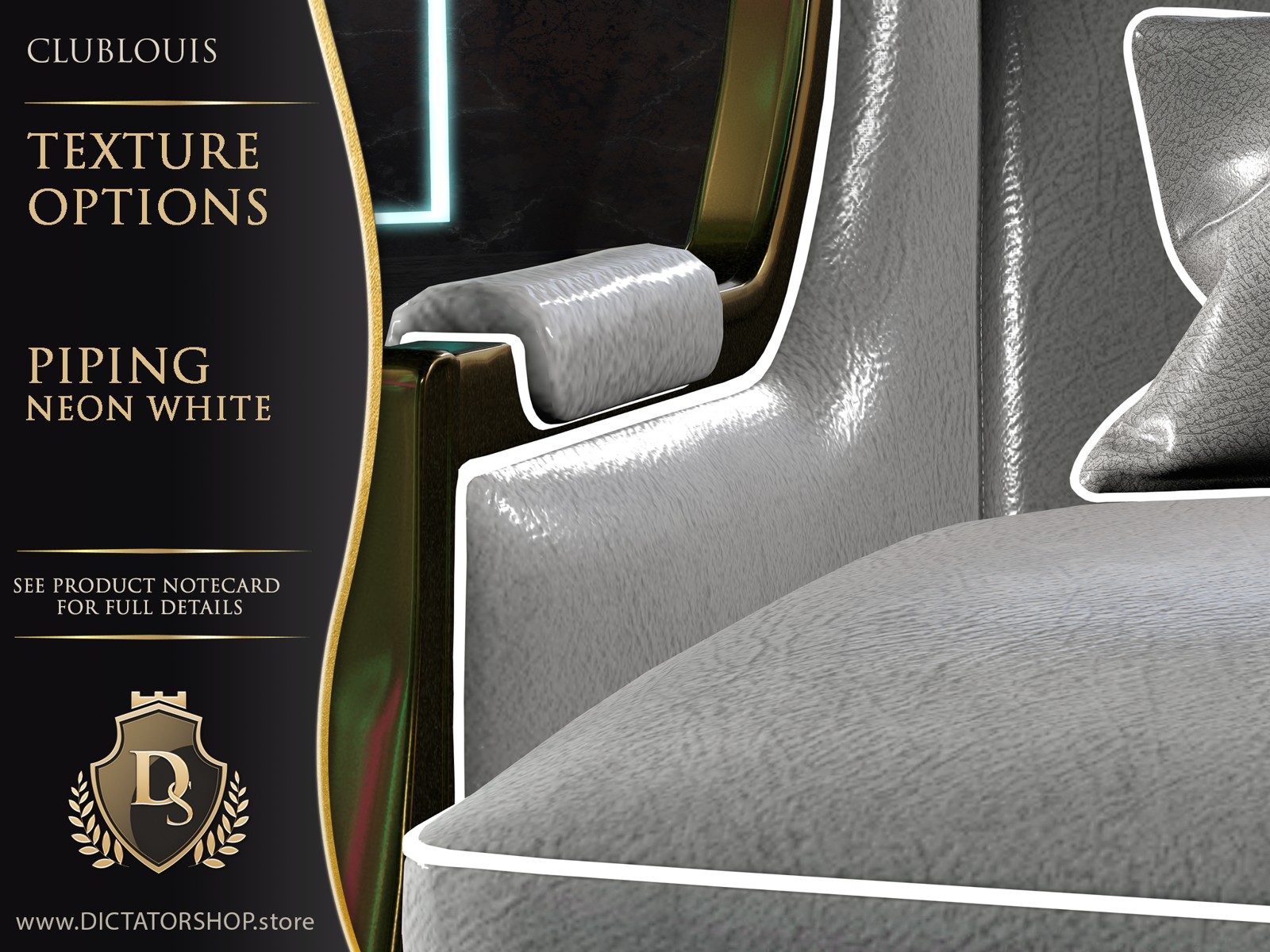
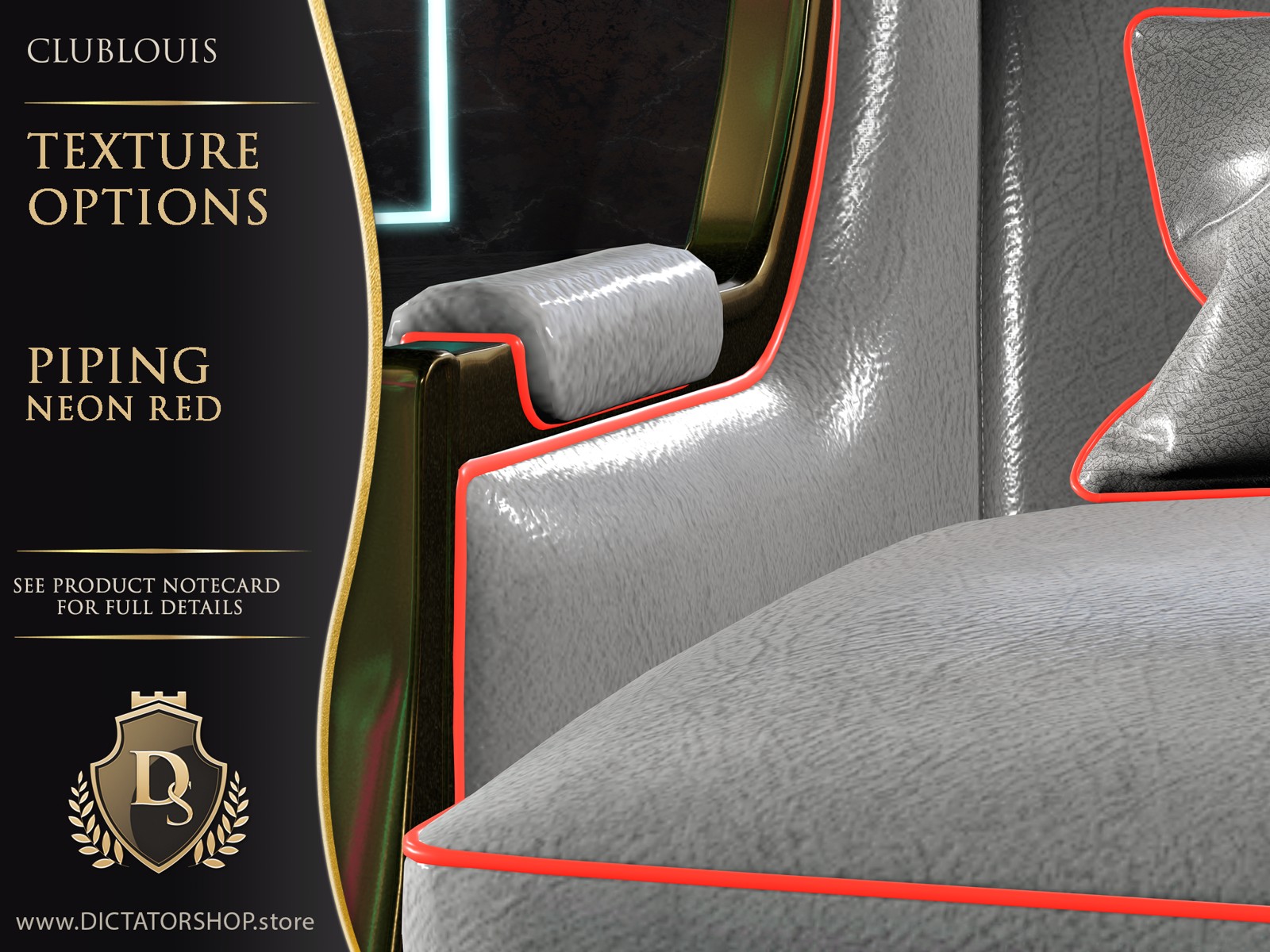
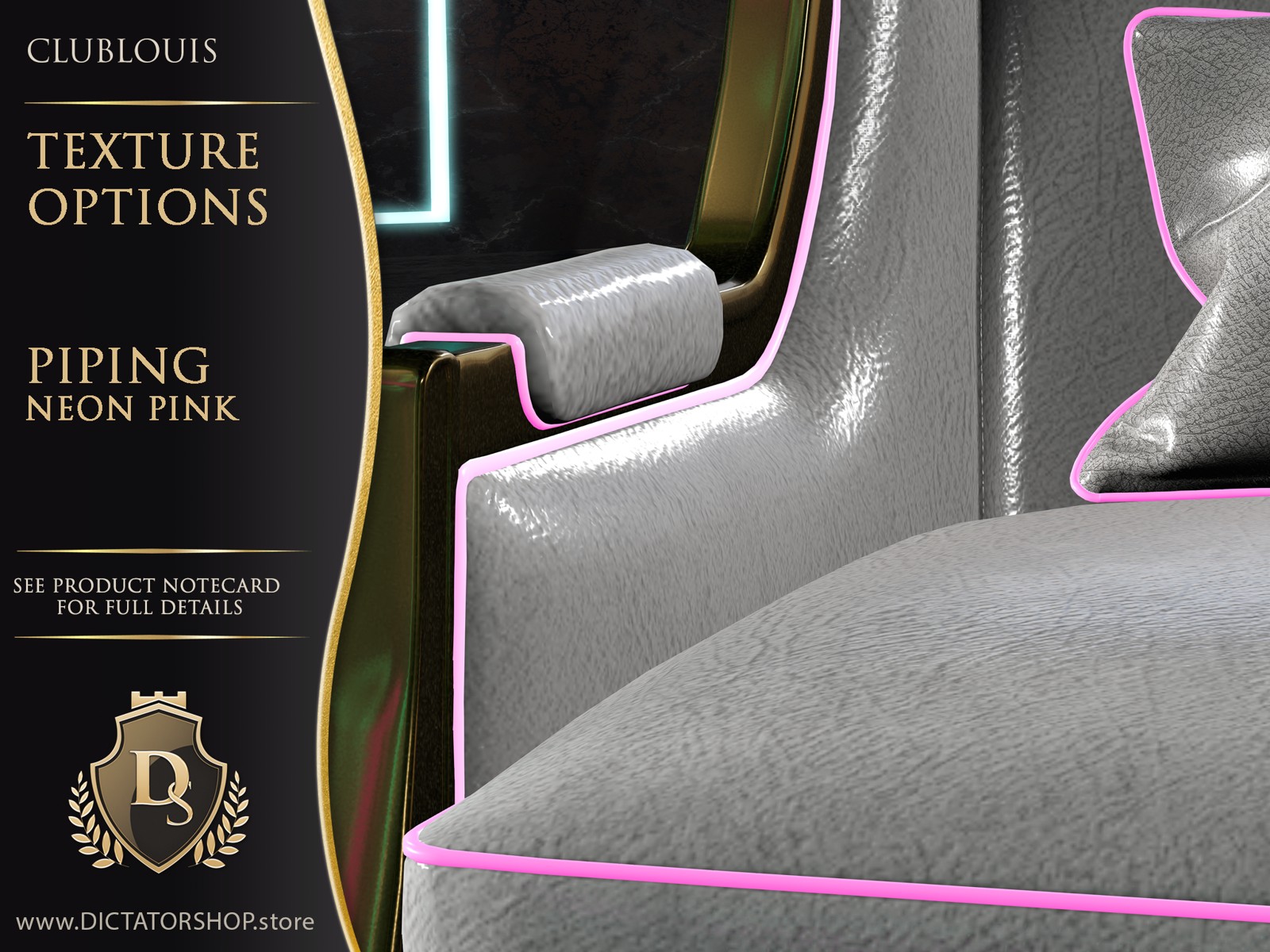
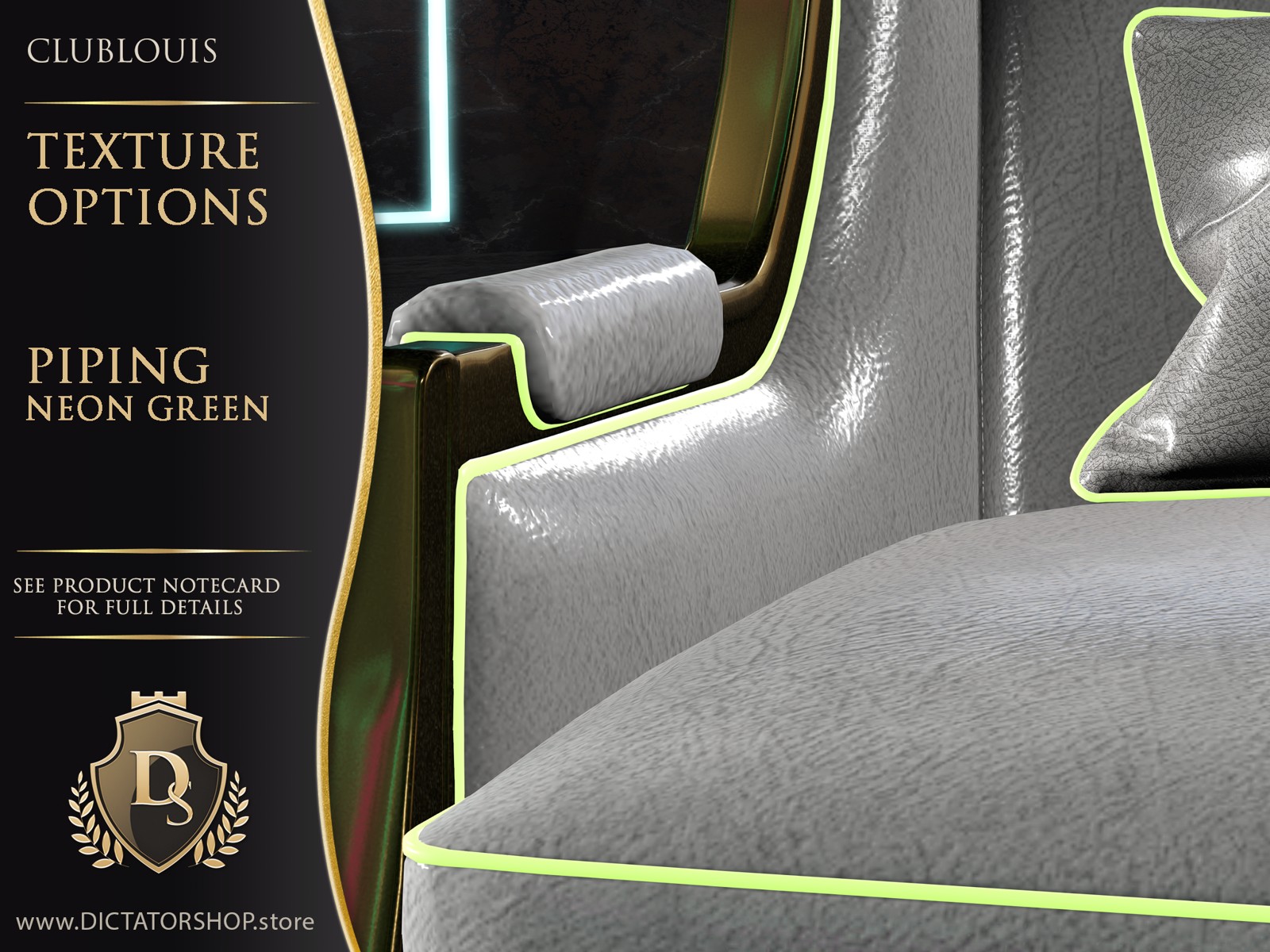
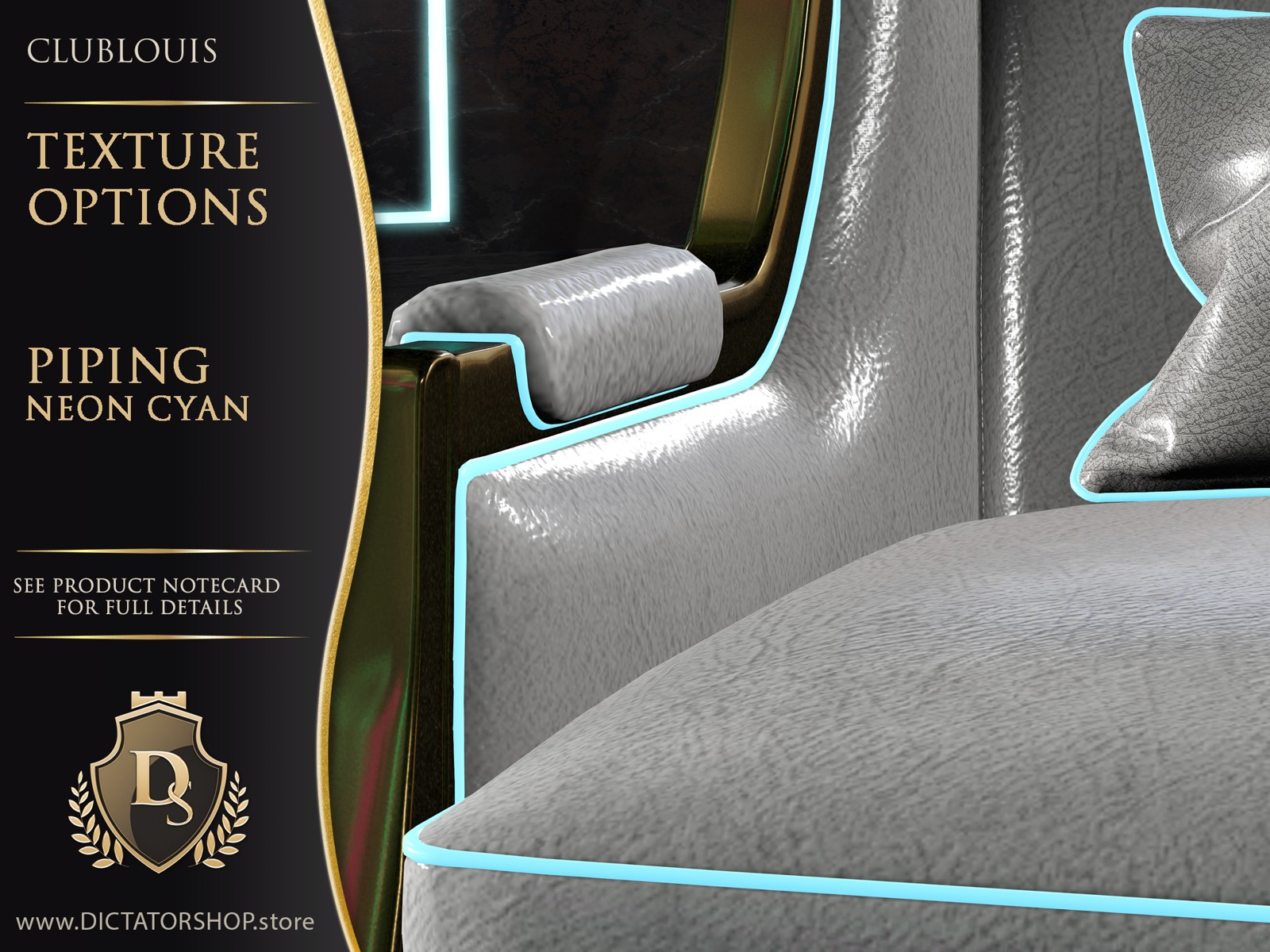
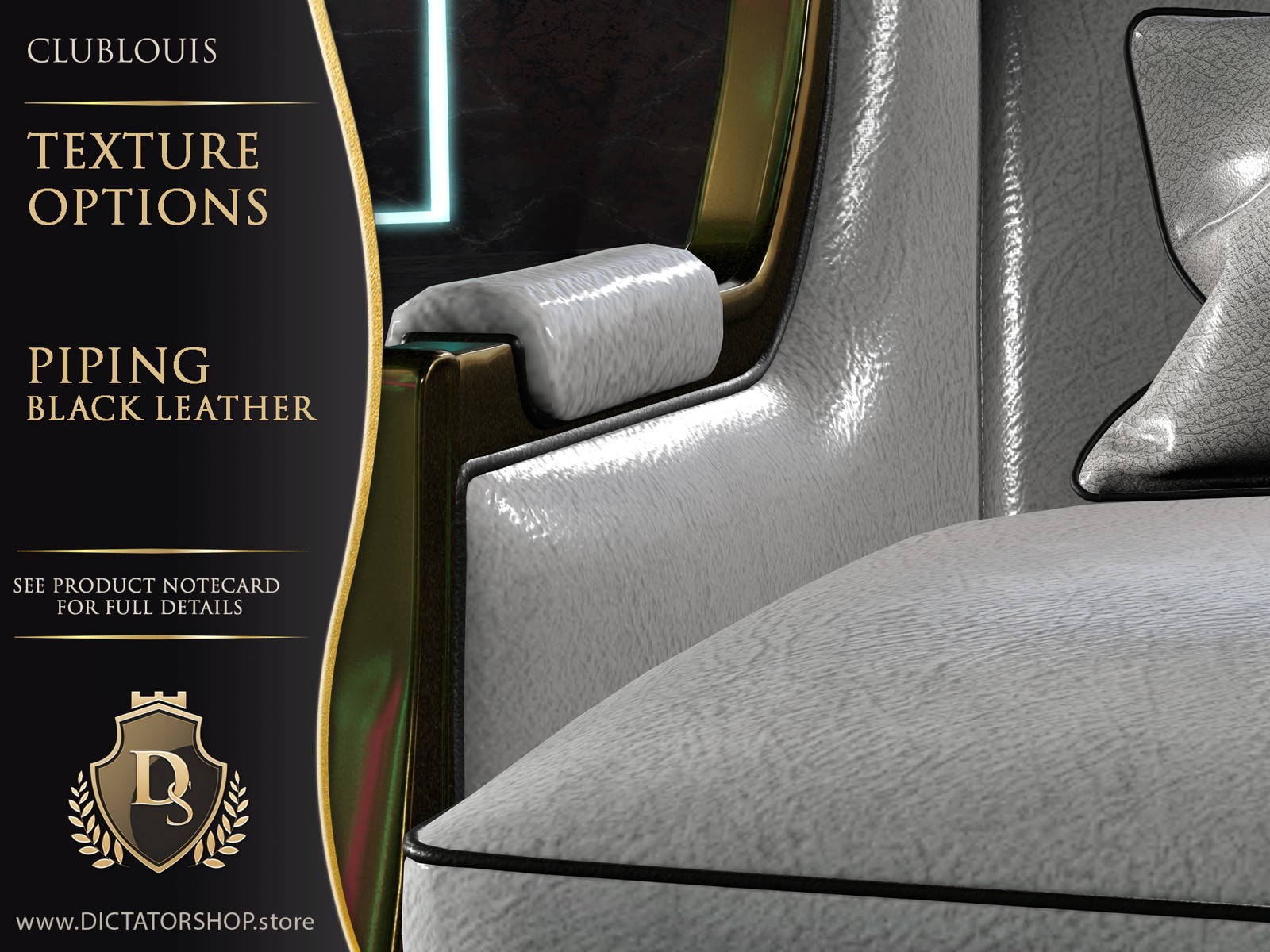
- 7 piping colours, with optional neon glow
- Every element tintable
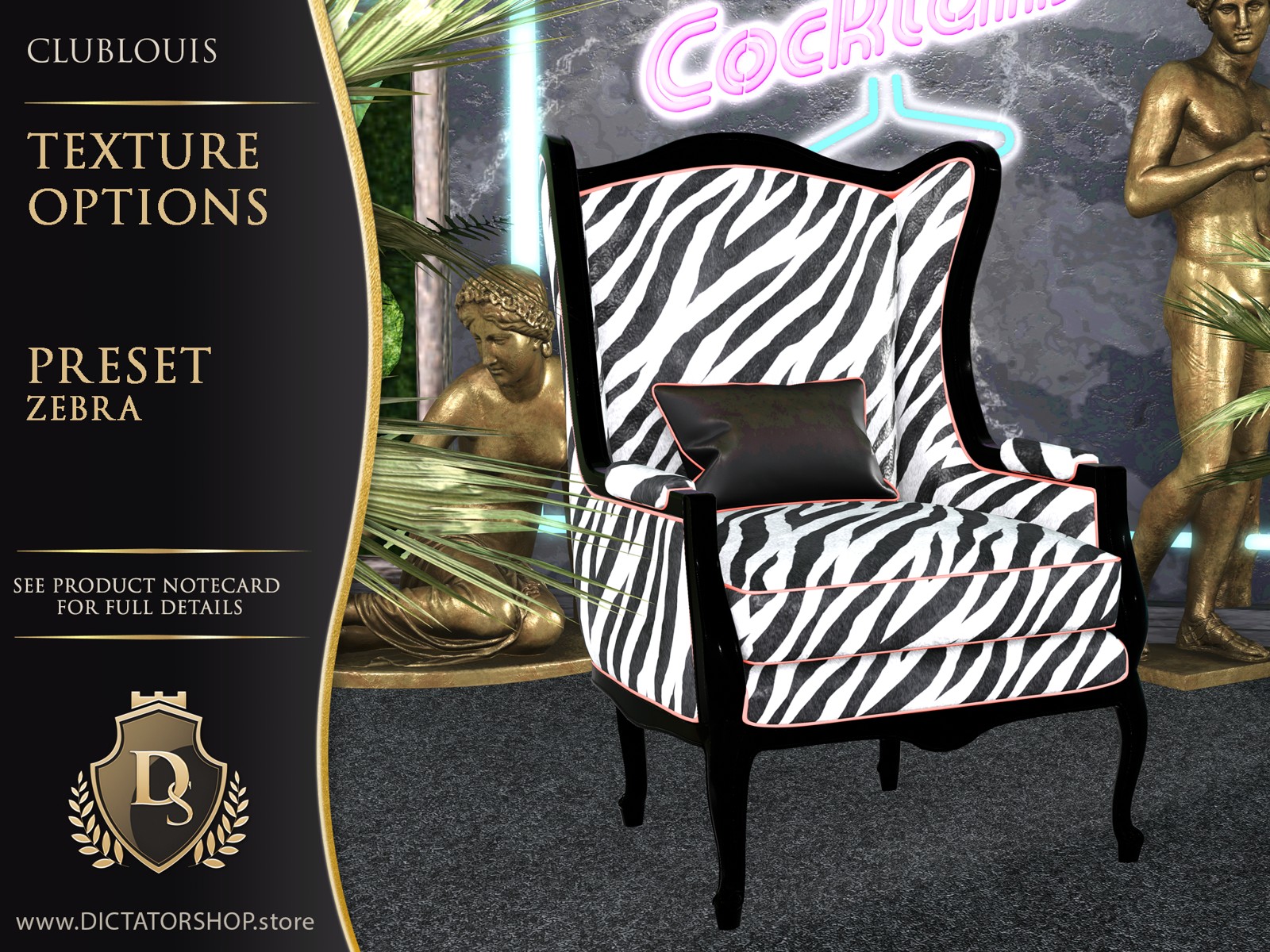
Nine preset looks
The shared finishes are illustrated on the Wingback Chair. Furniture pieces are sold separately.
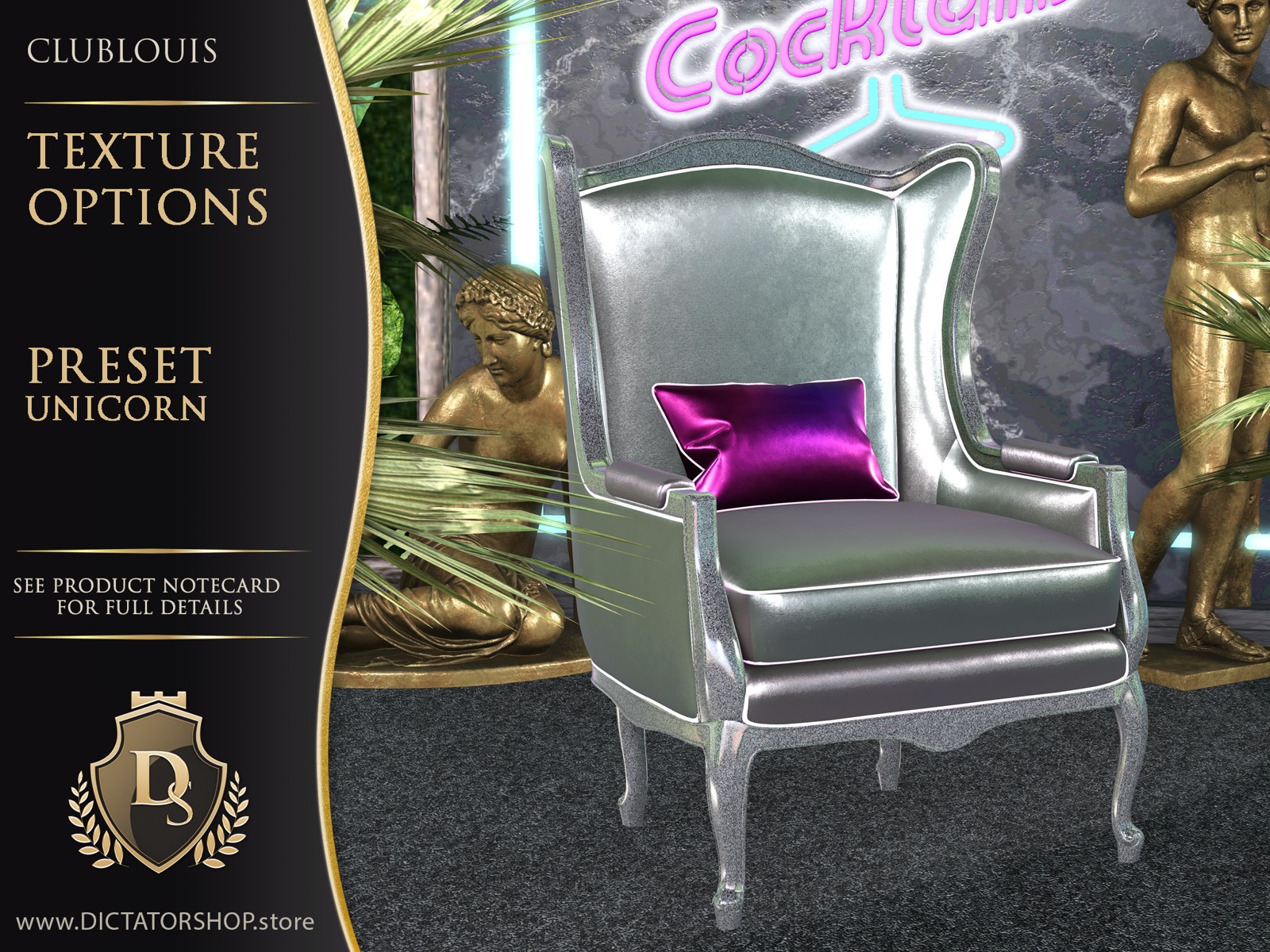
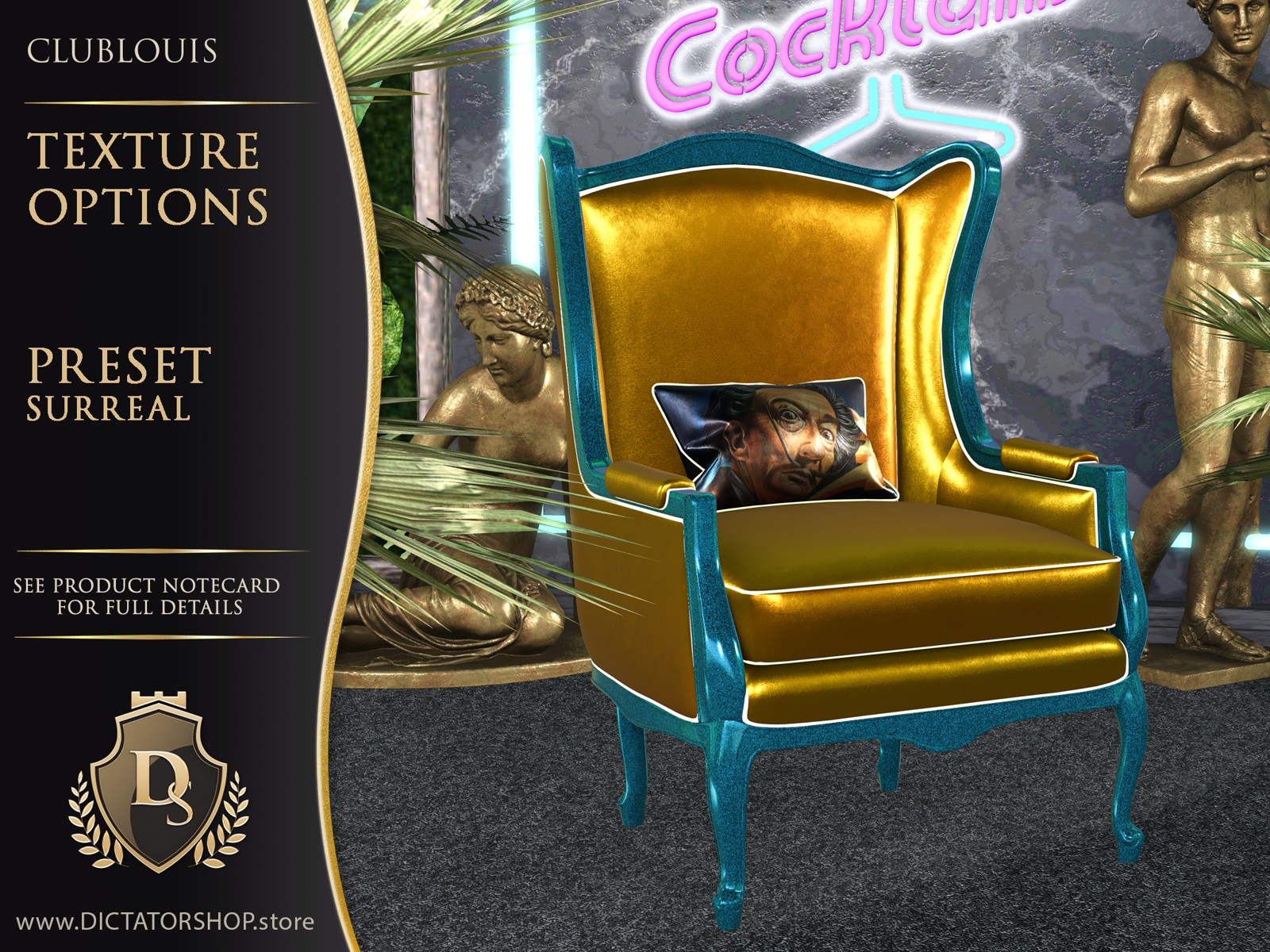
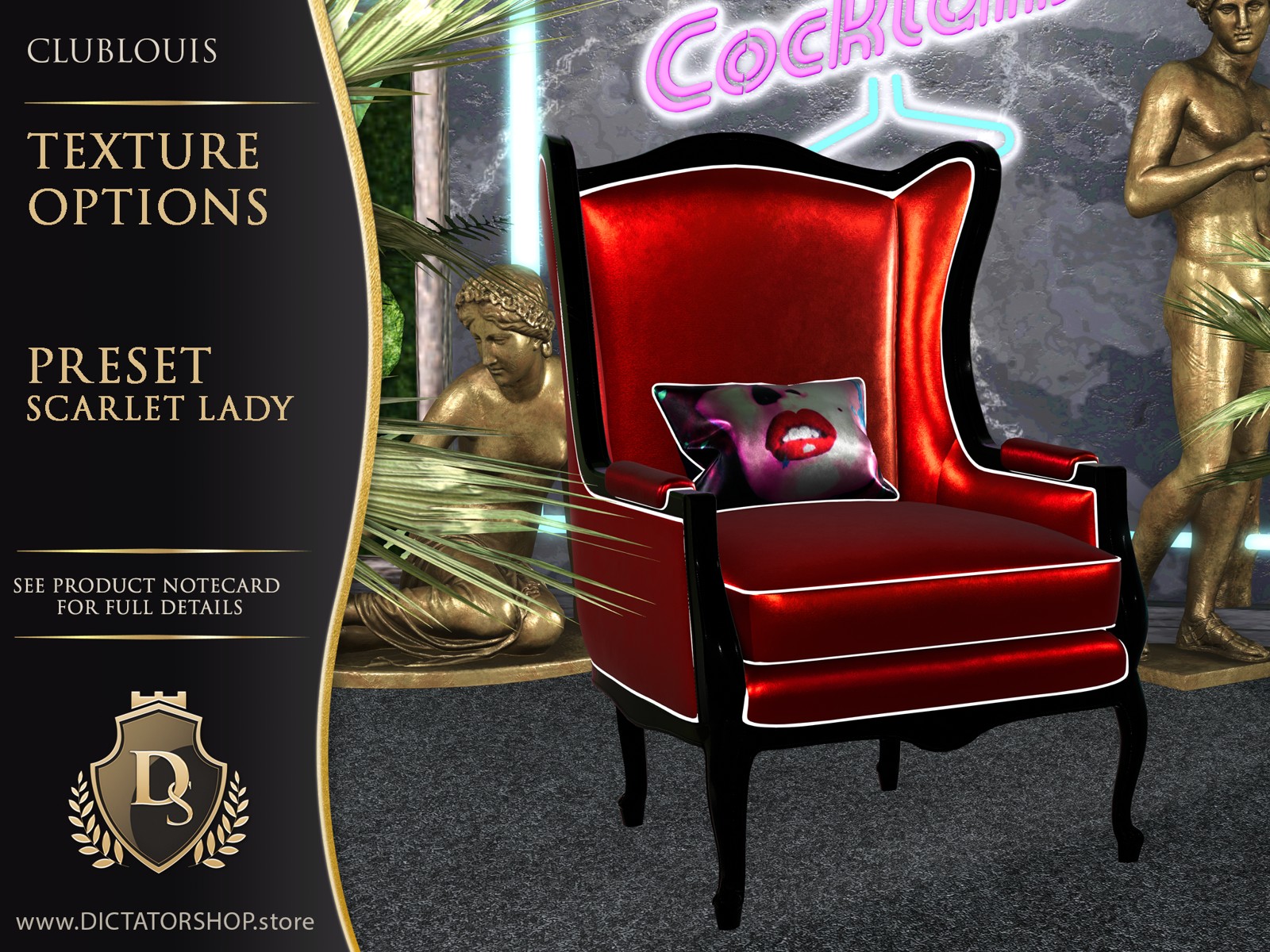
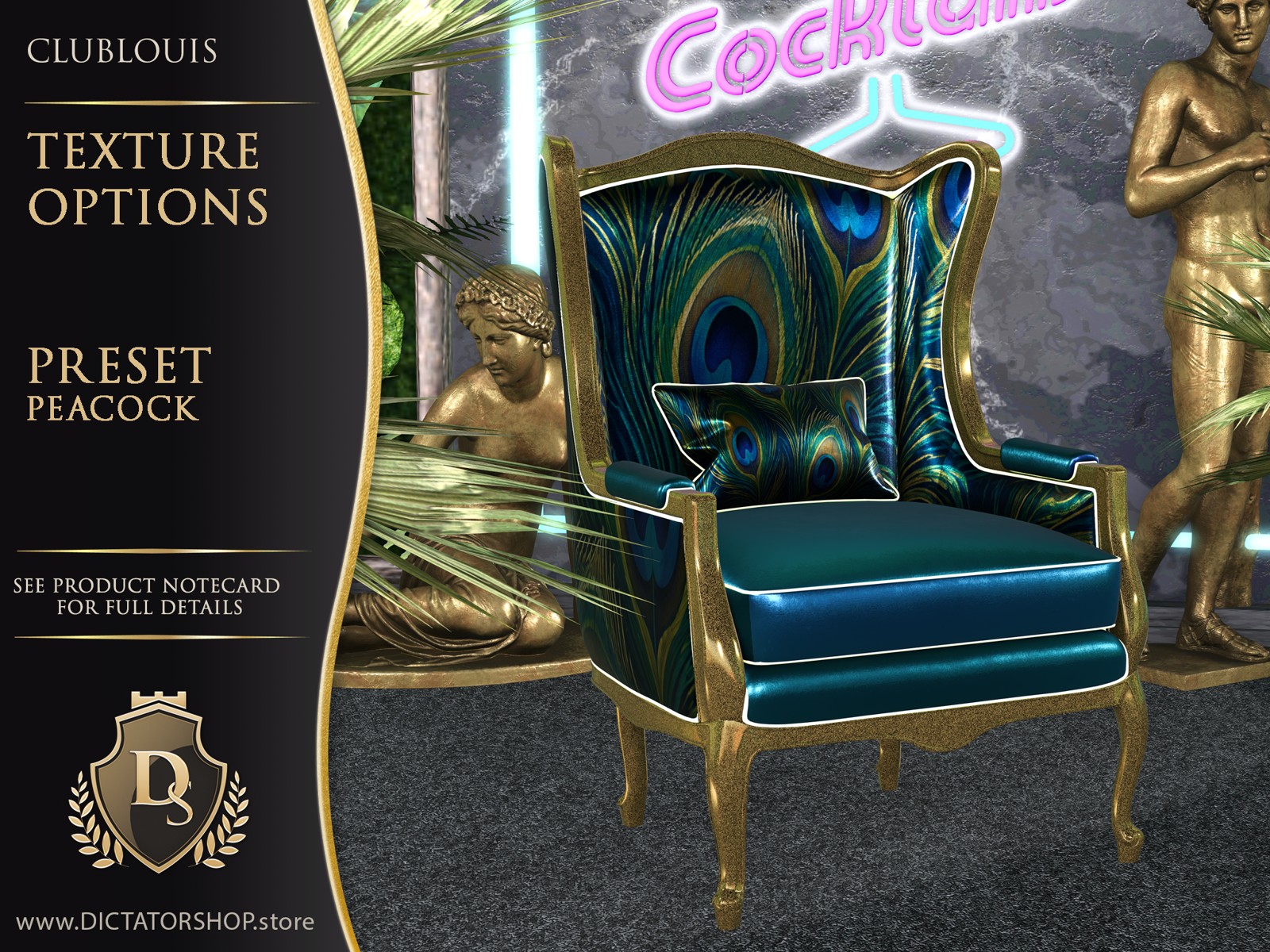
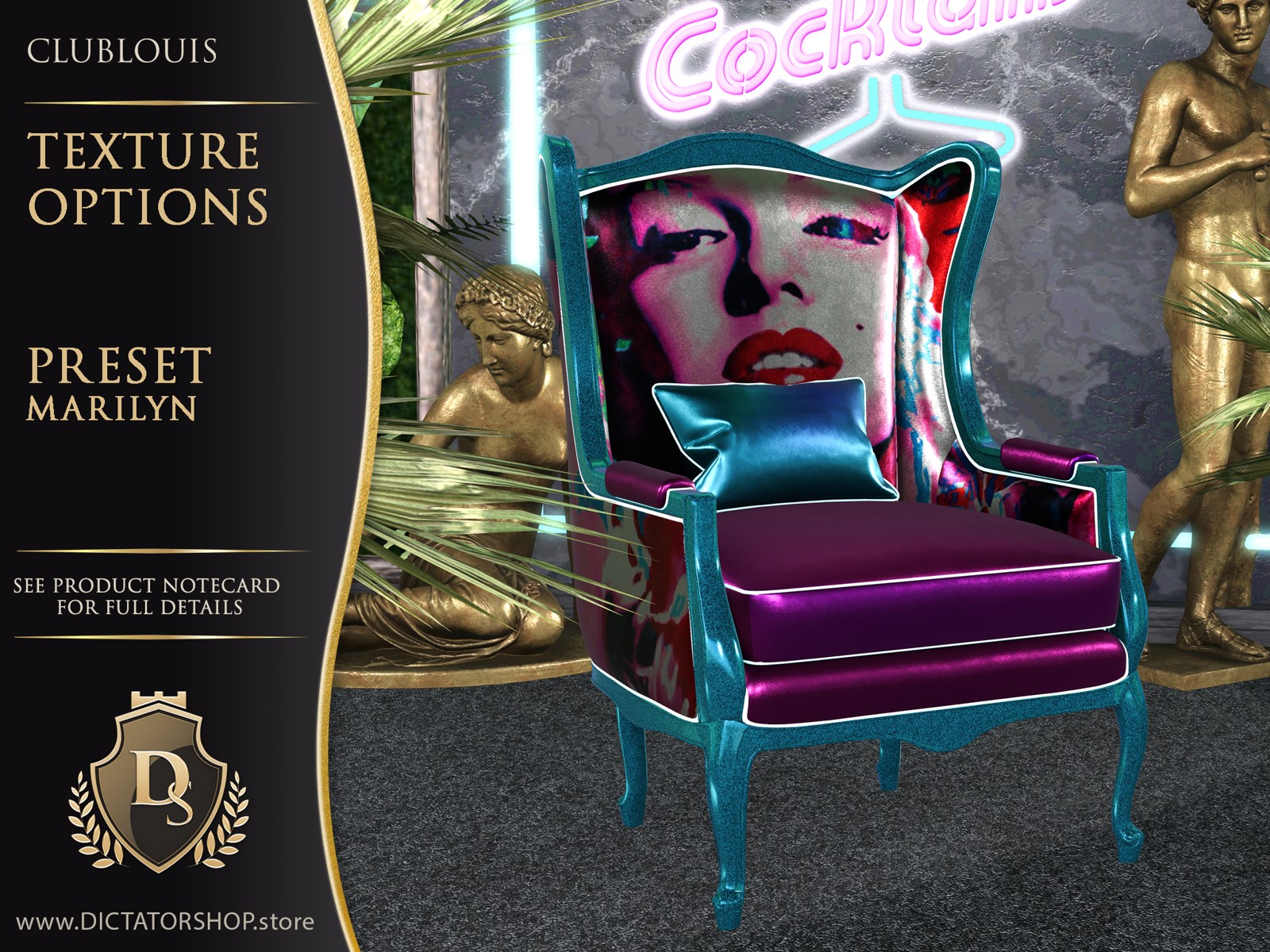
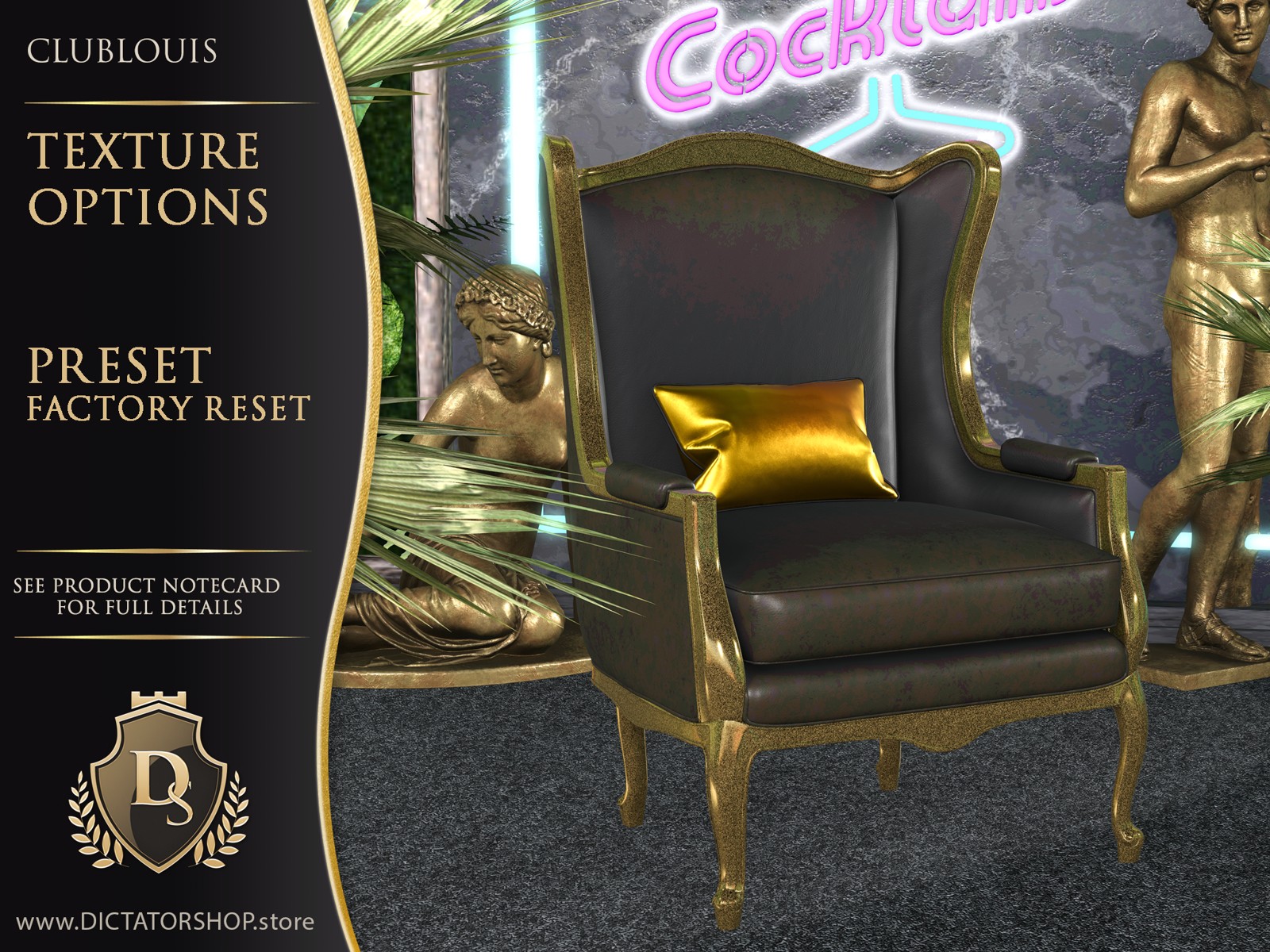
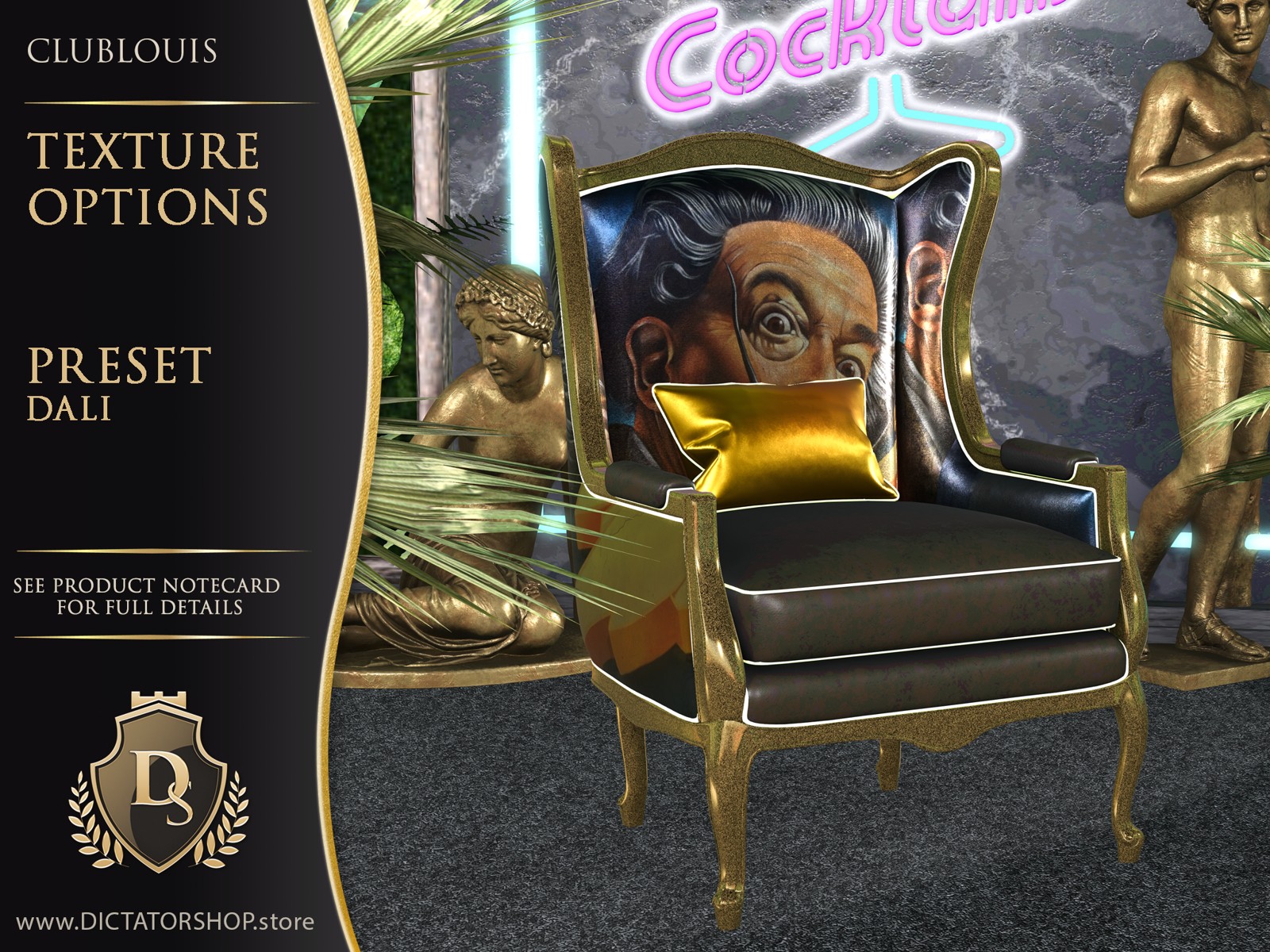
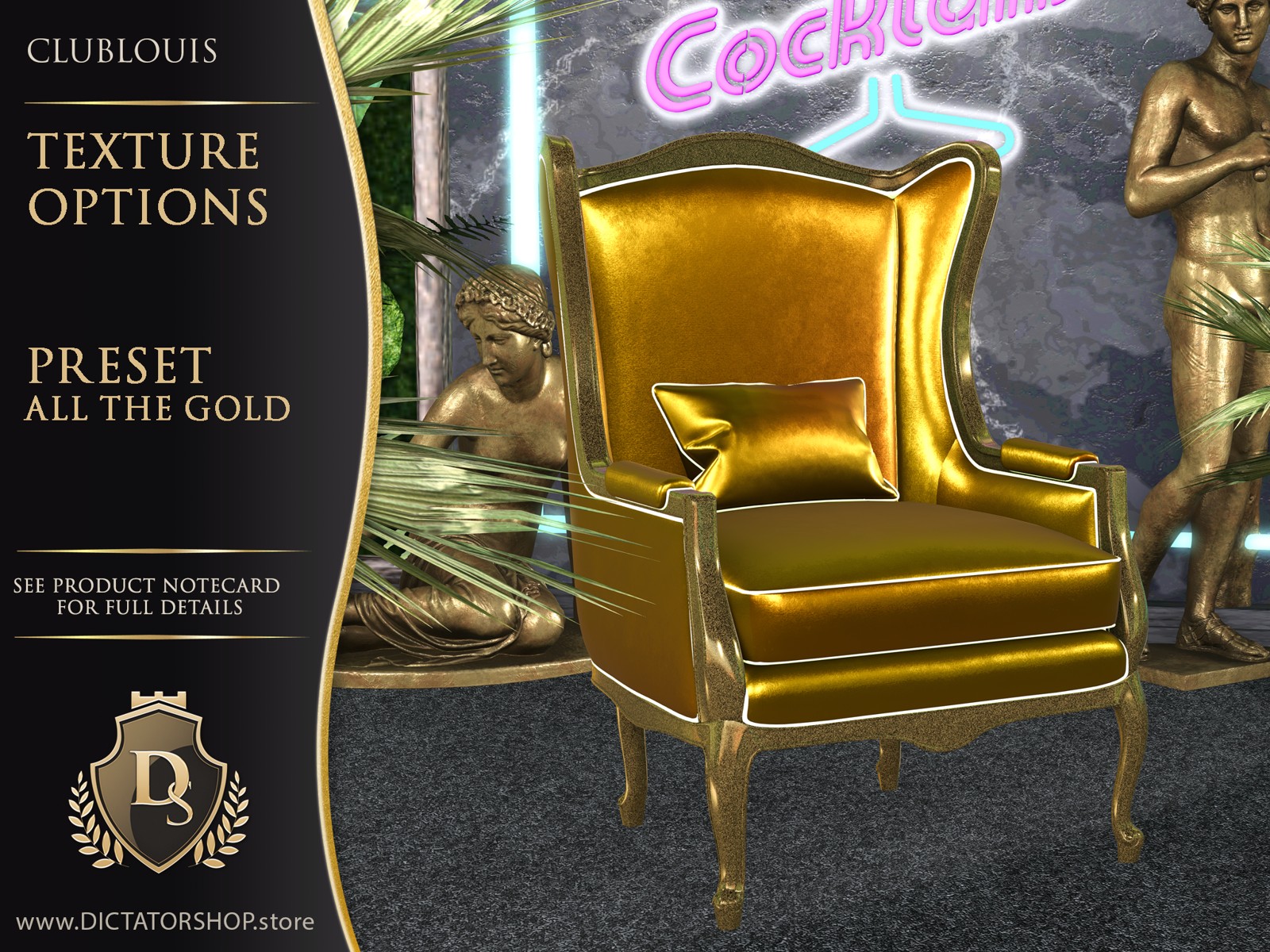
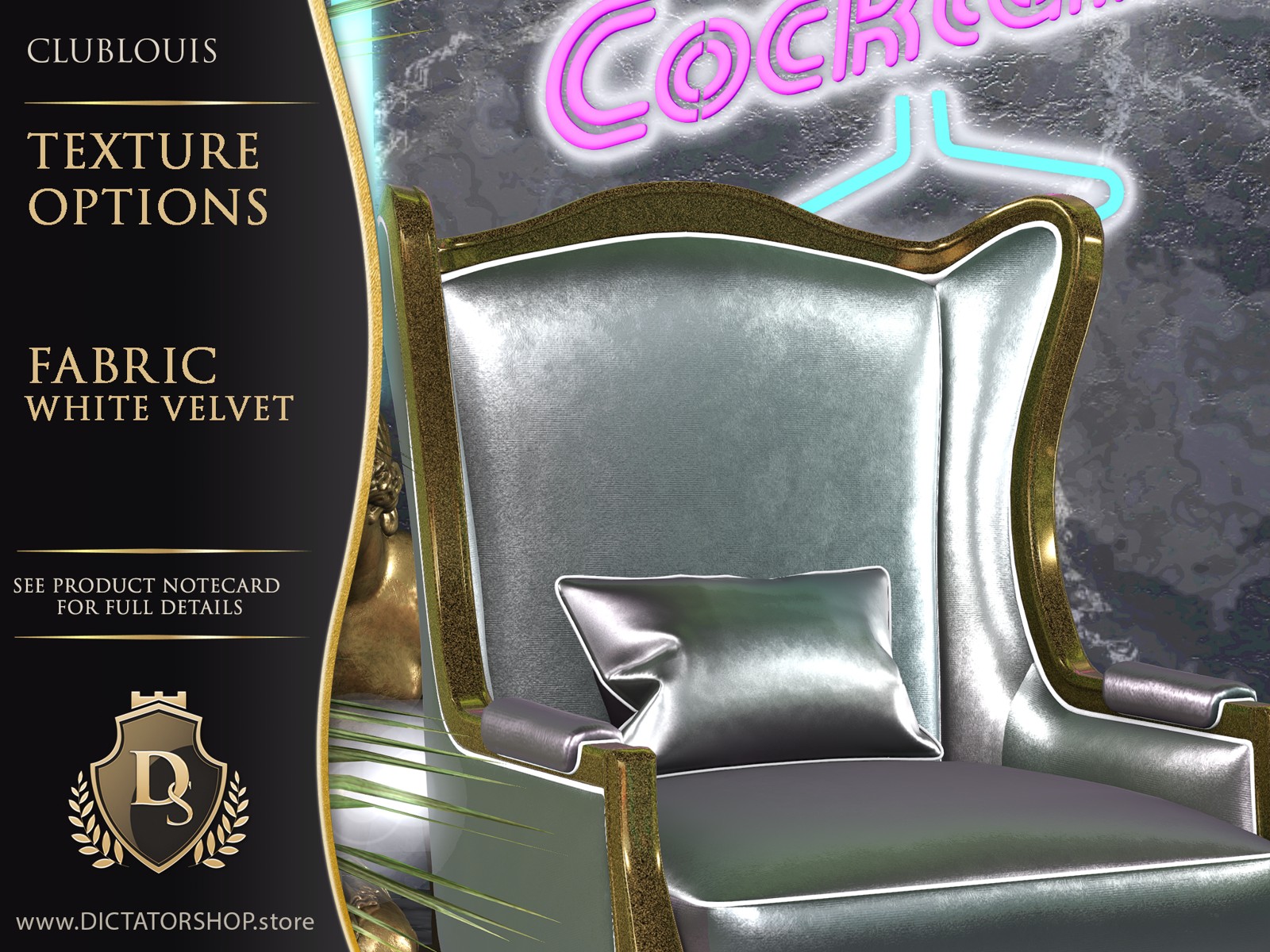
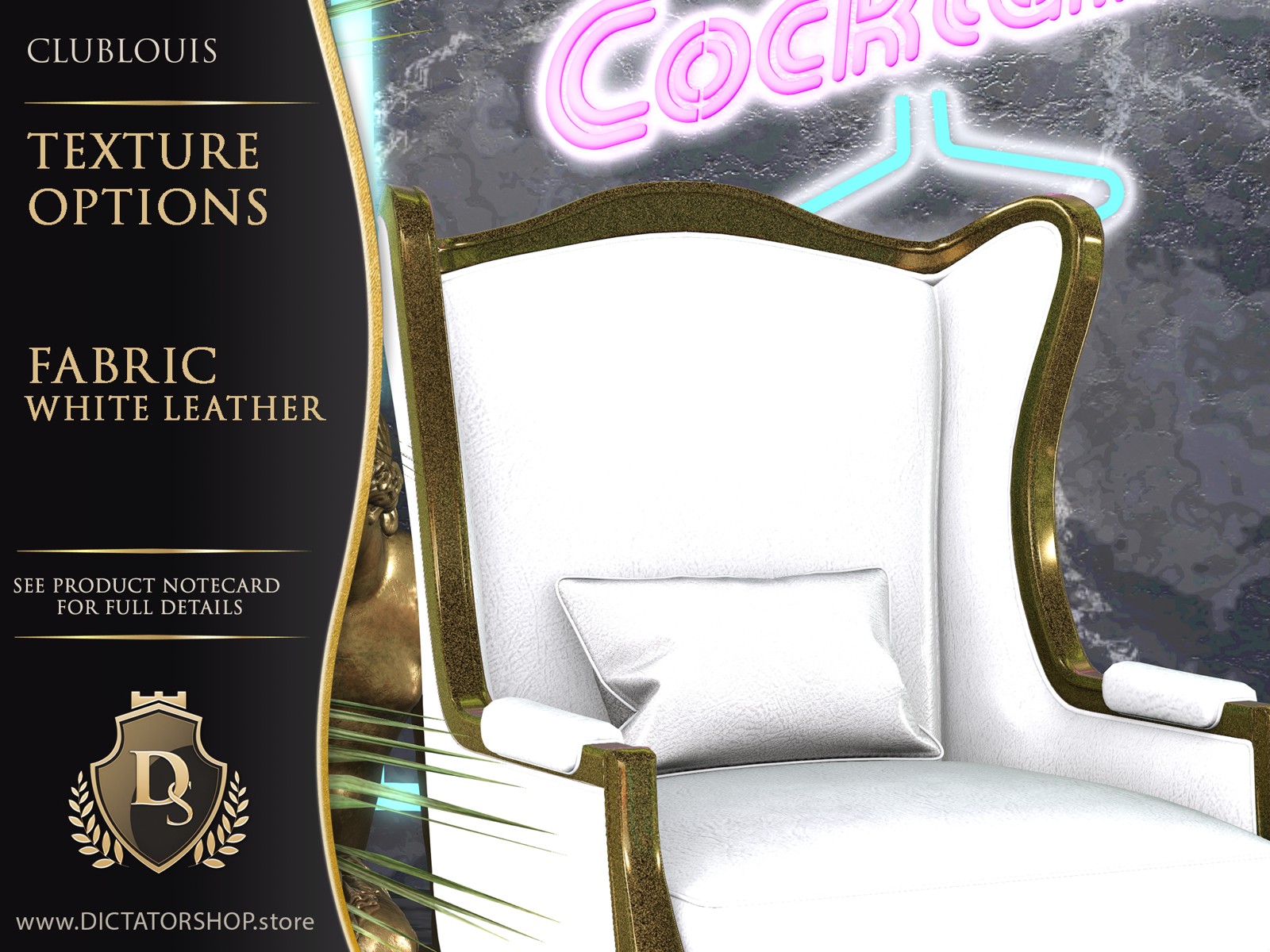
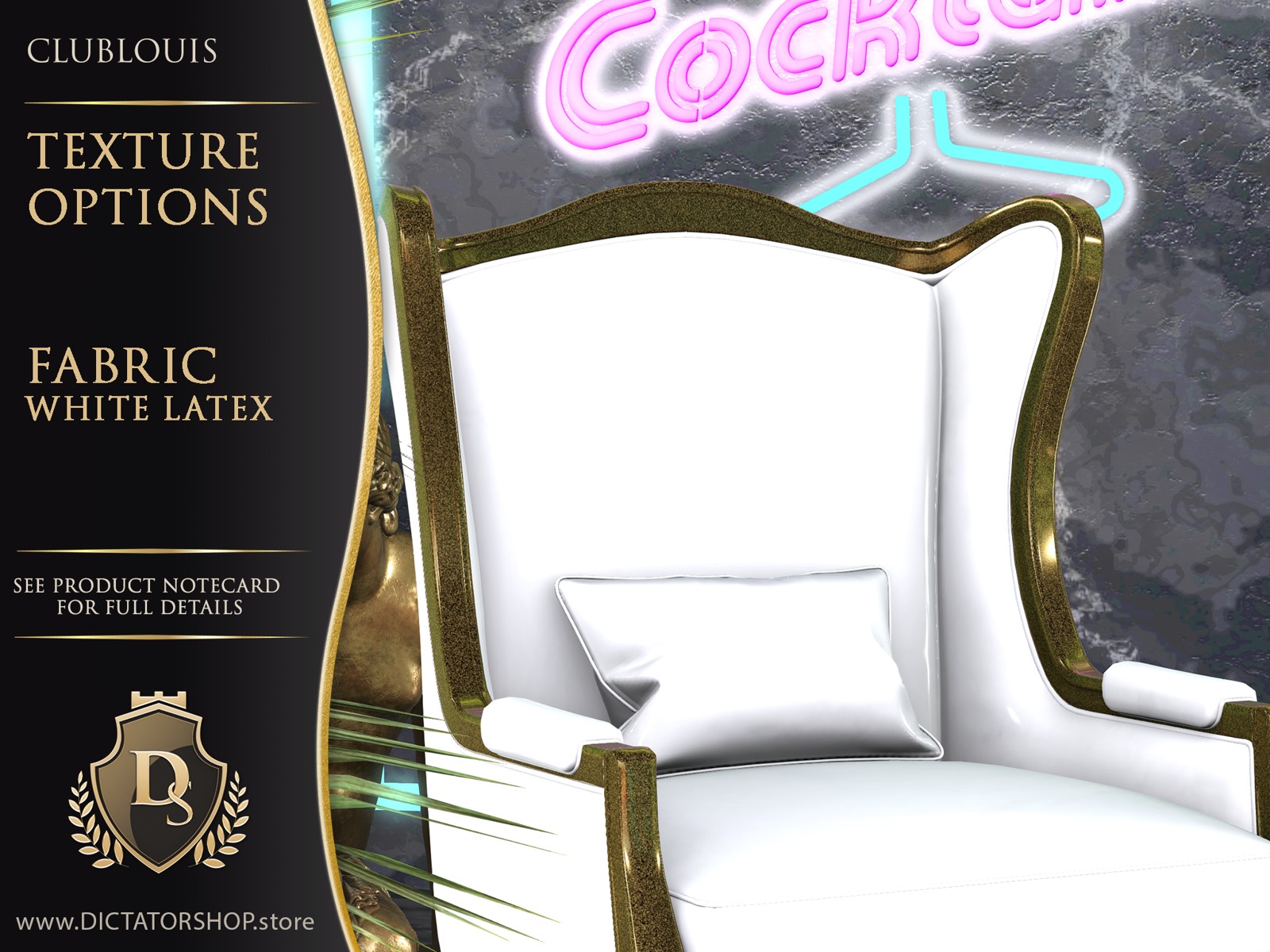
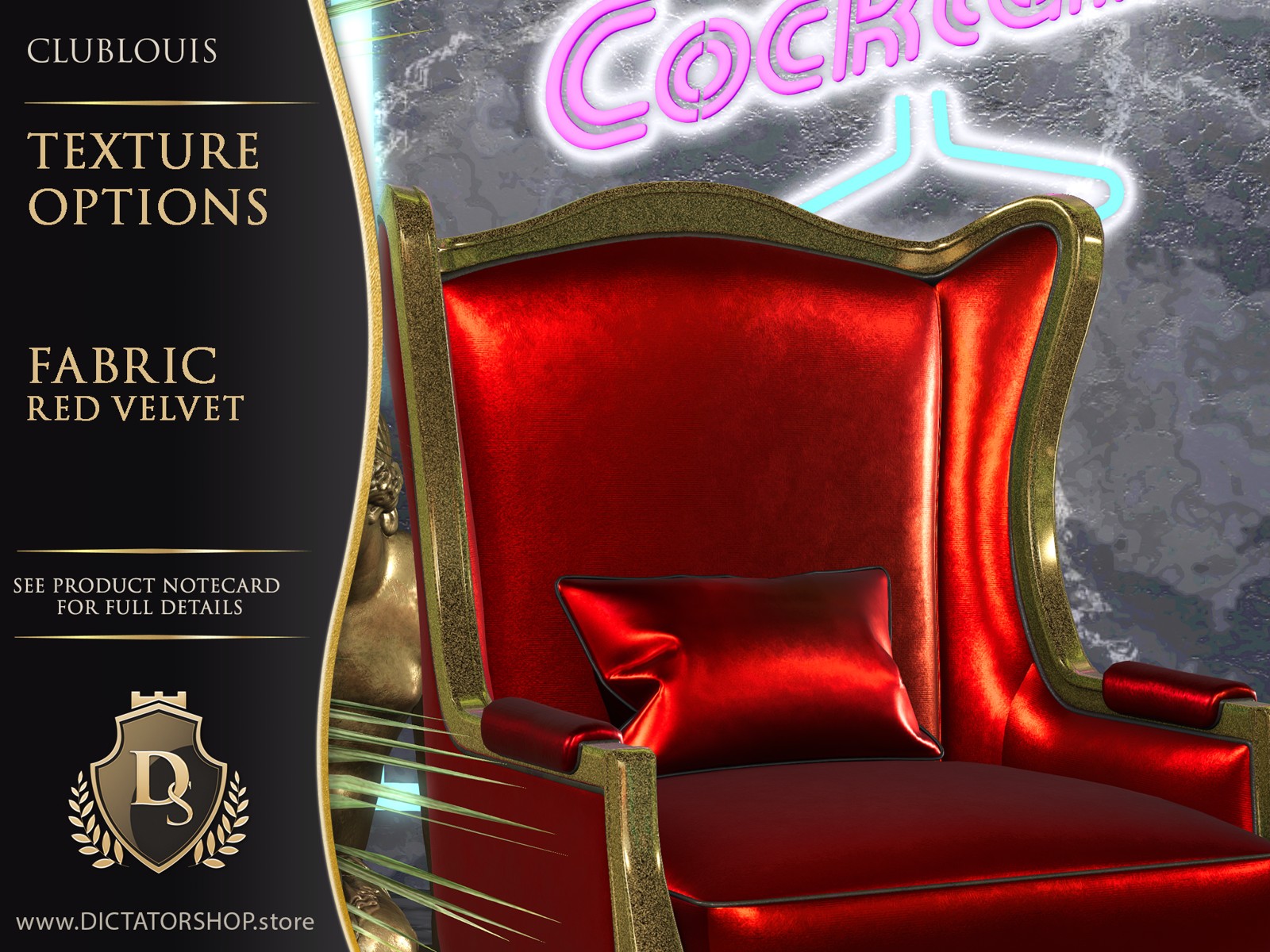
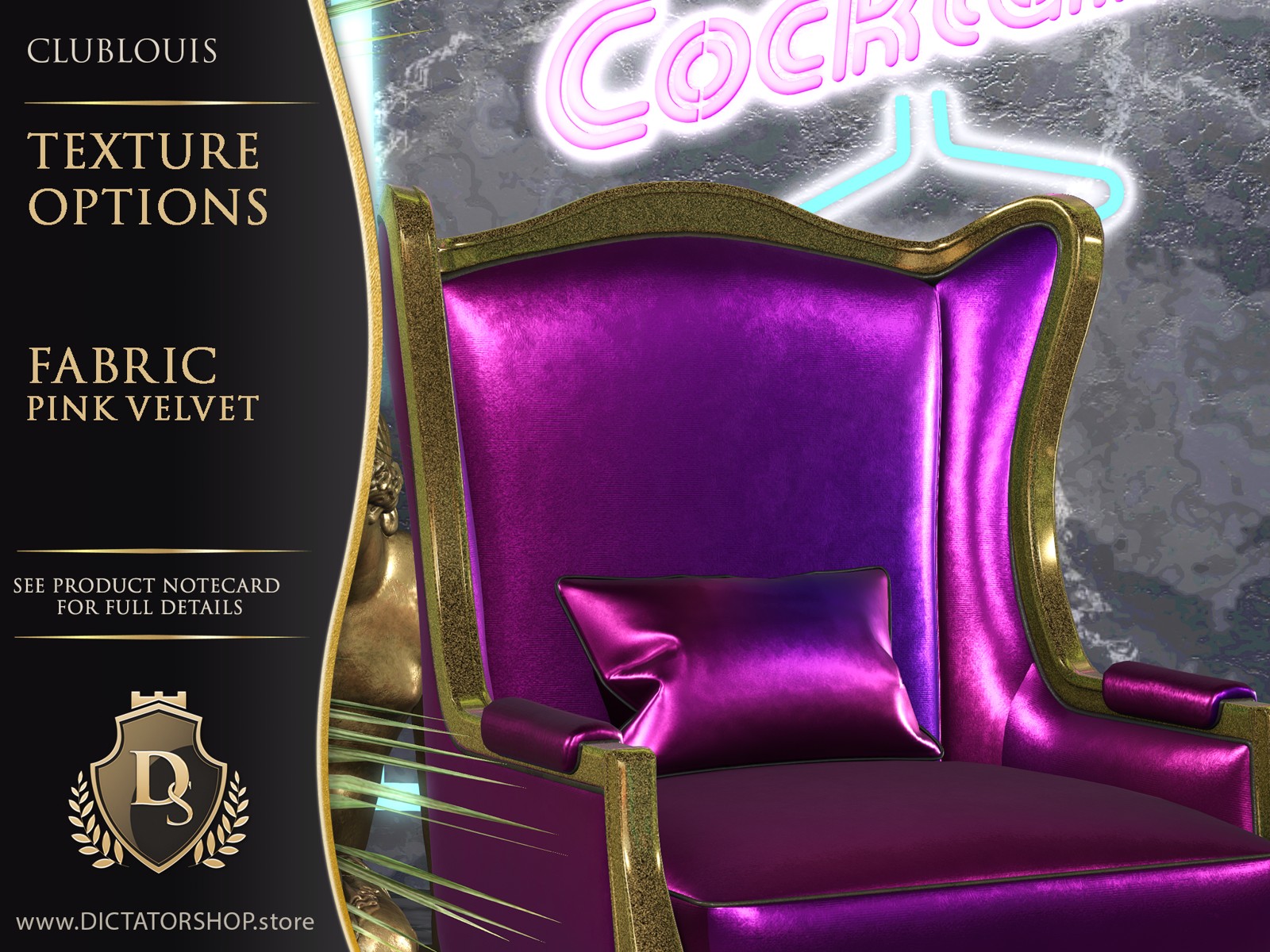
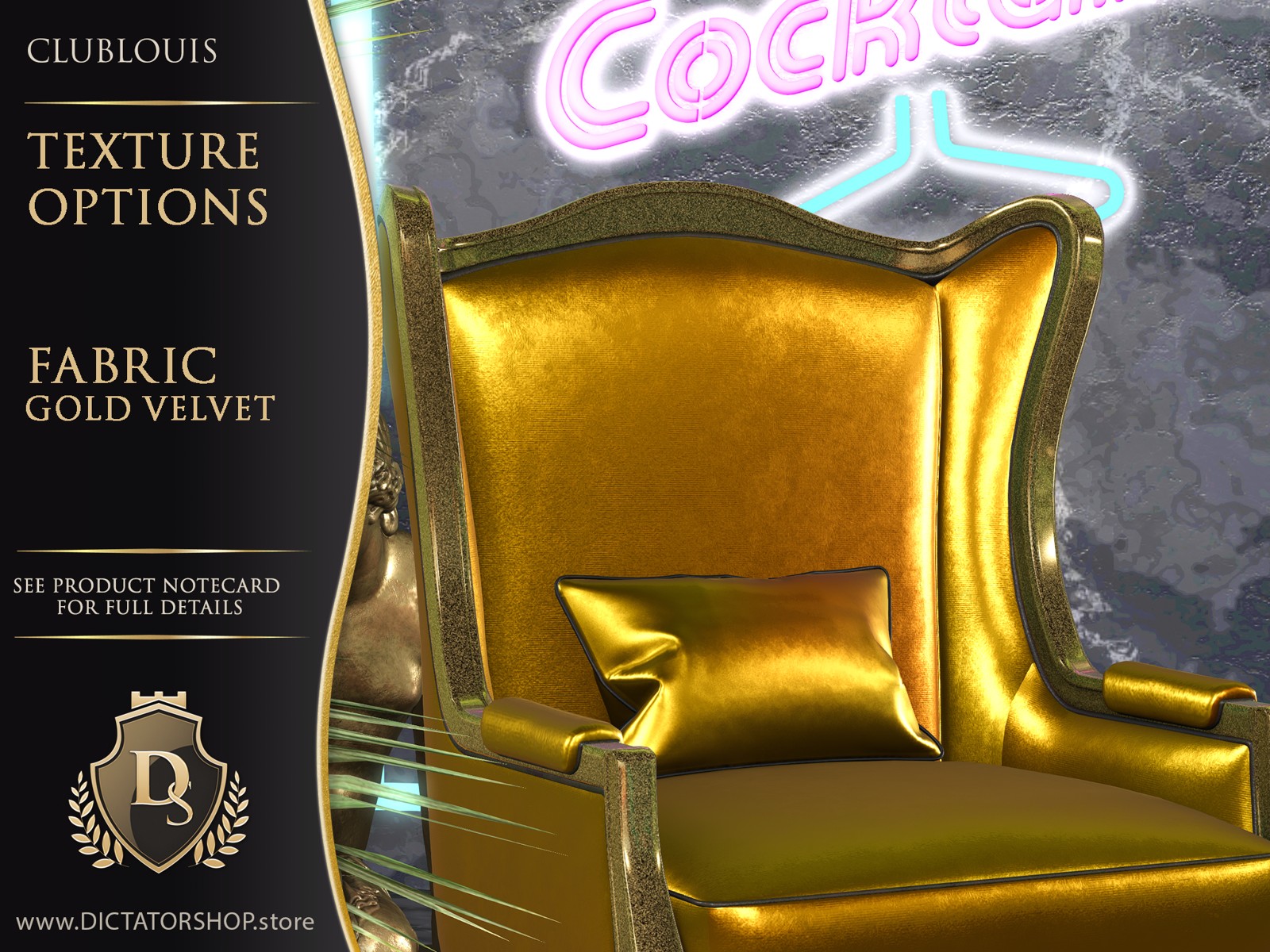
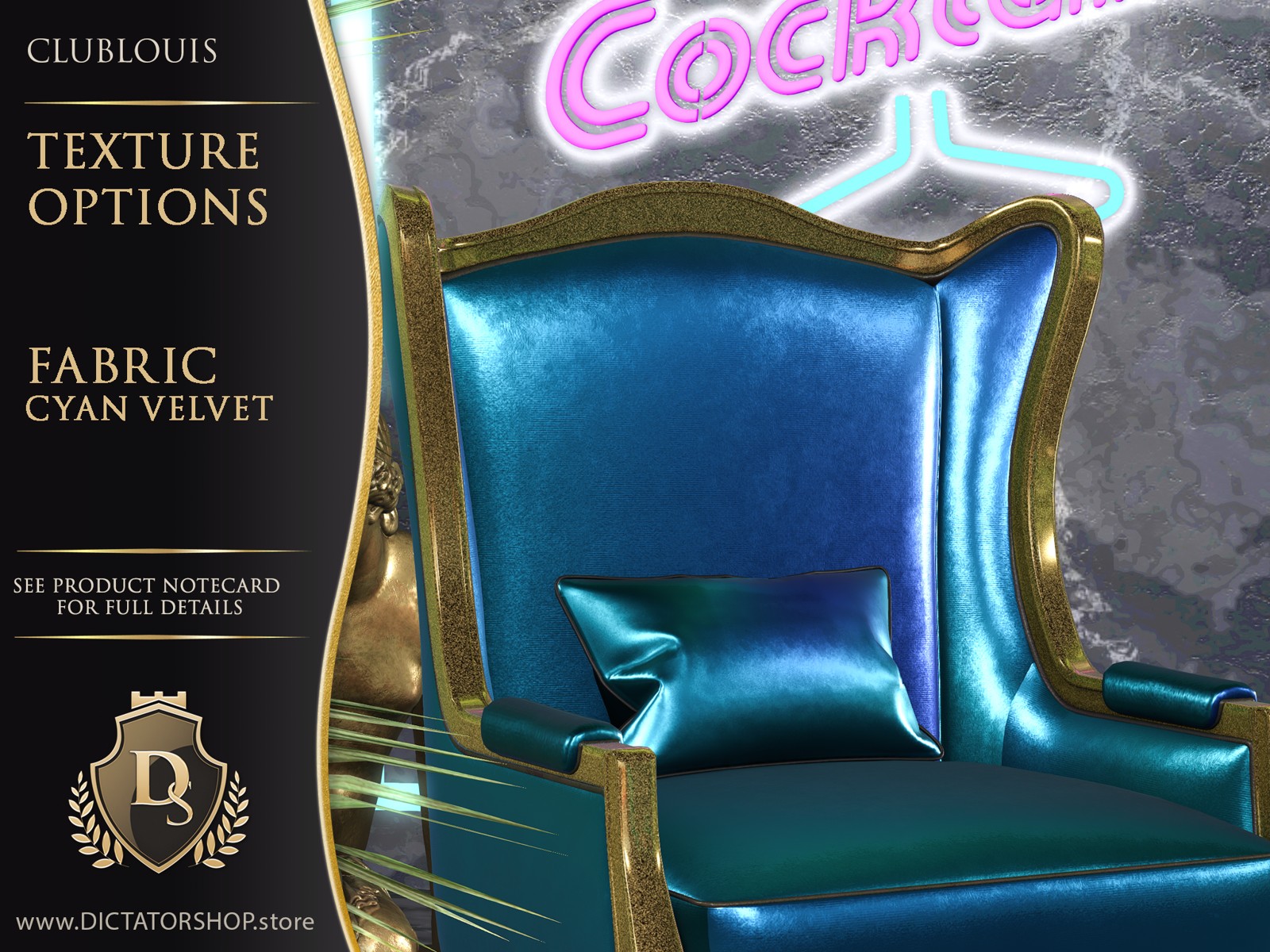
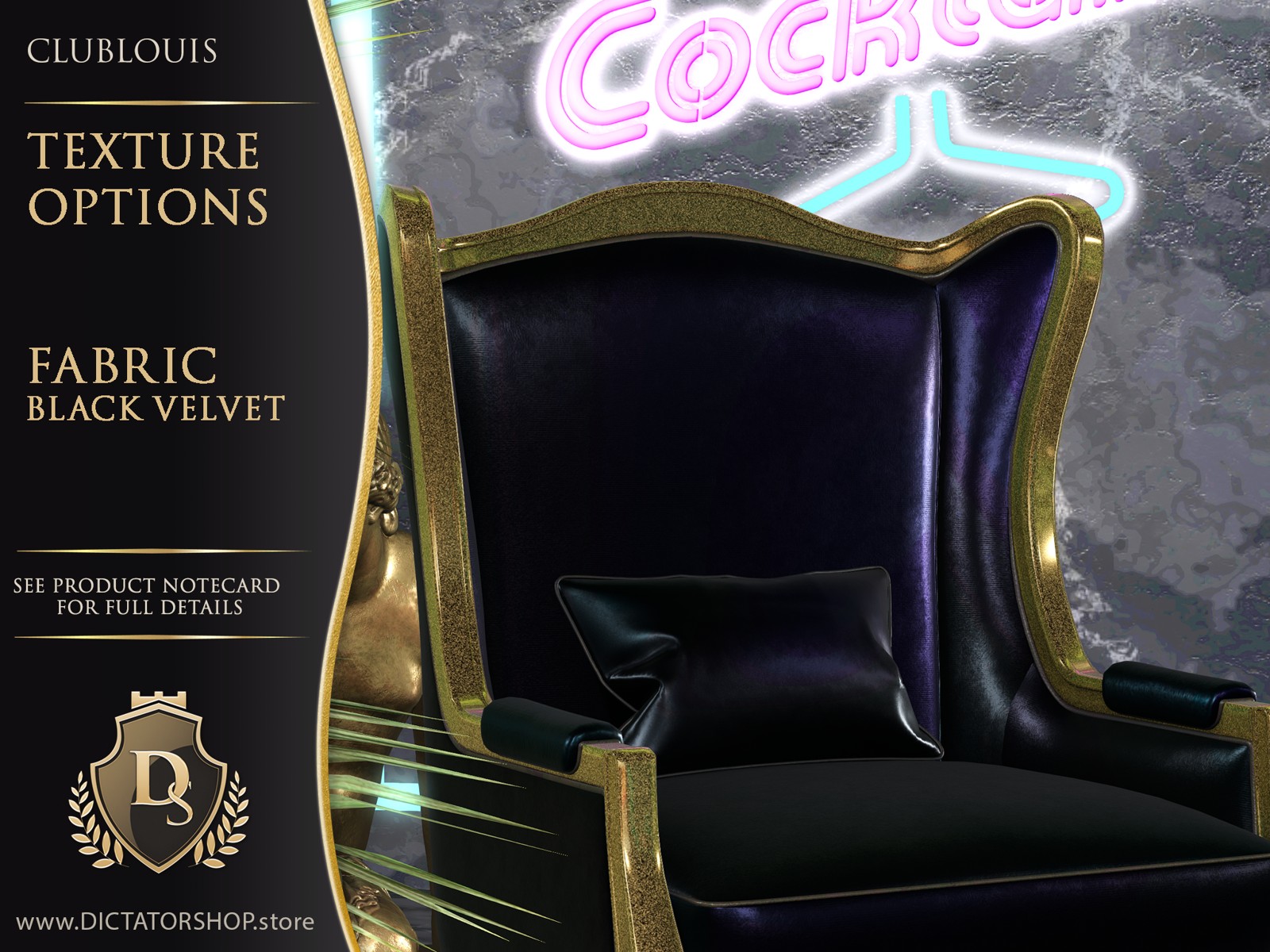
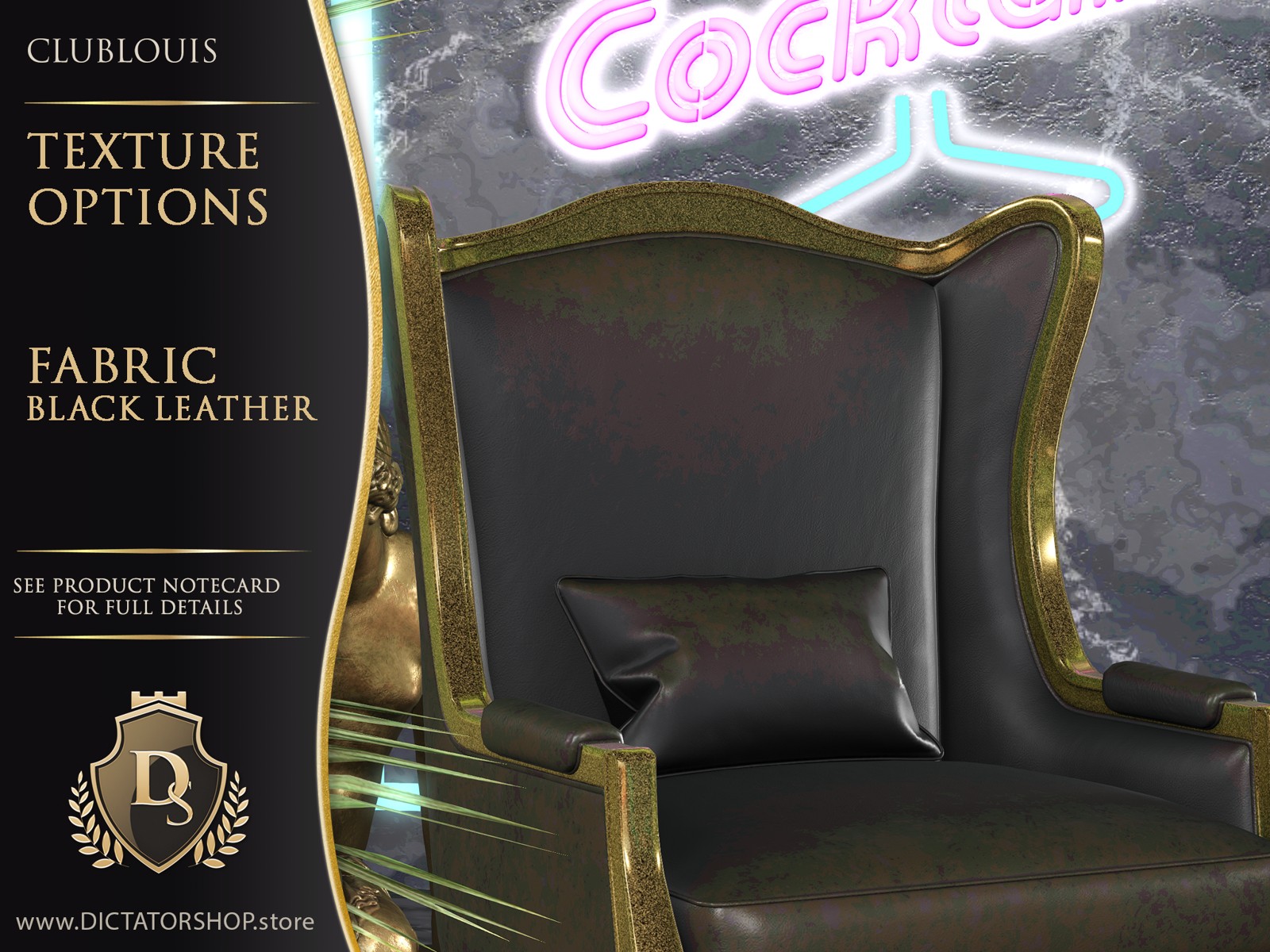
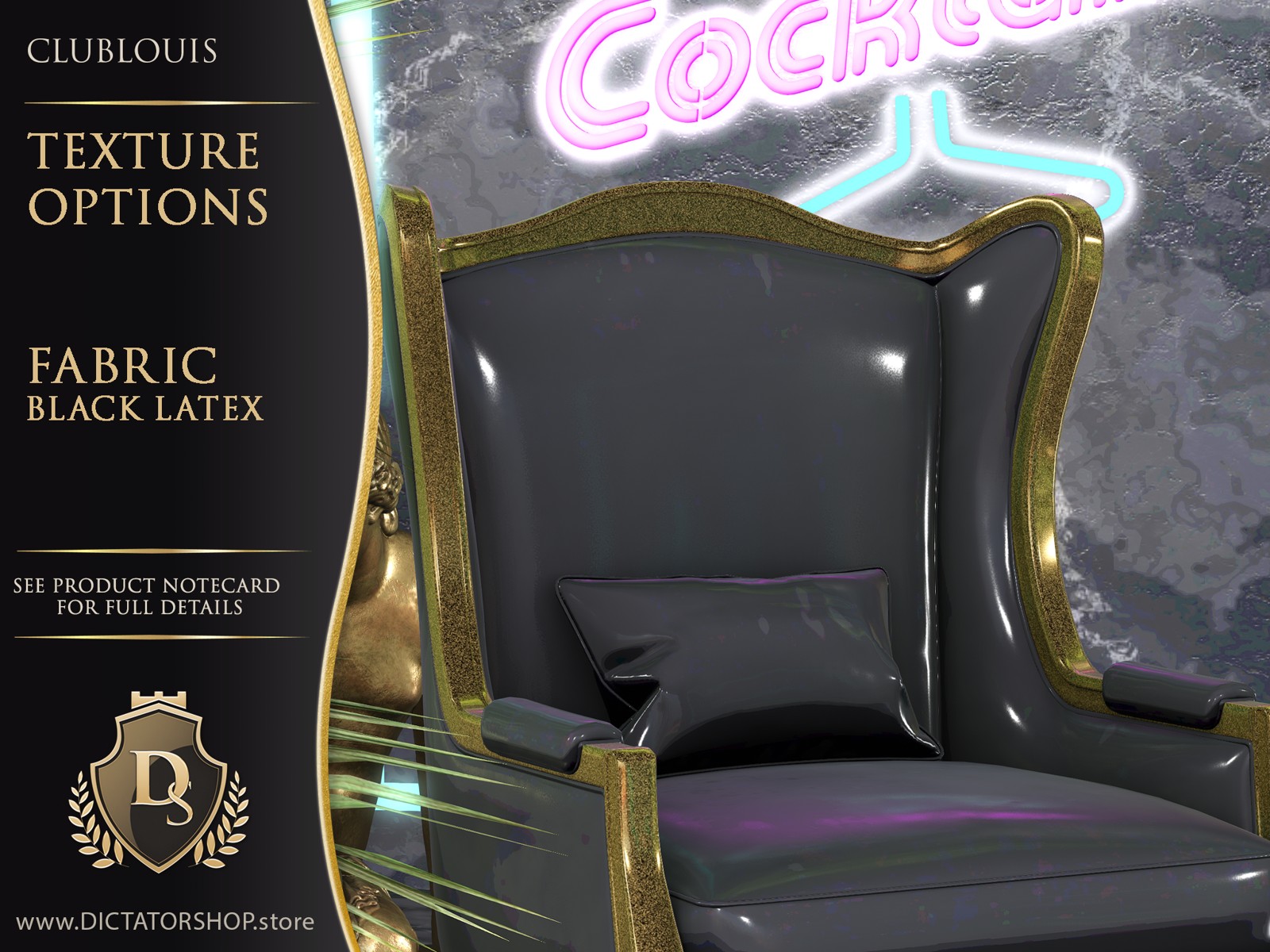
Fabric gallery
Browse the supplied finish examples. Click any image to enlarge it.
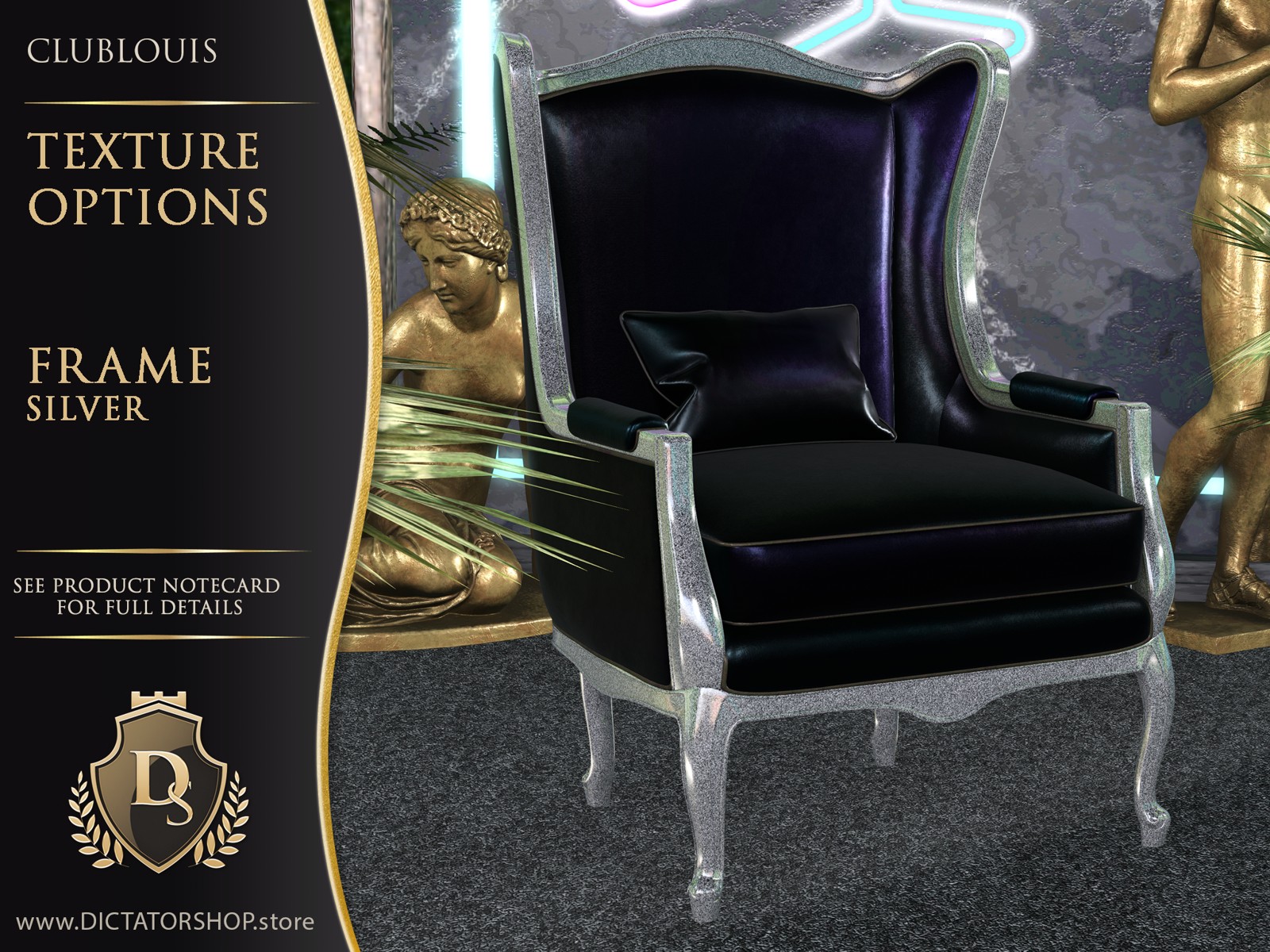
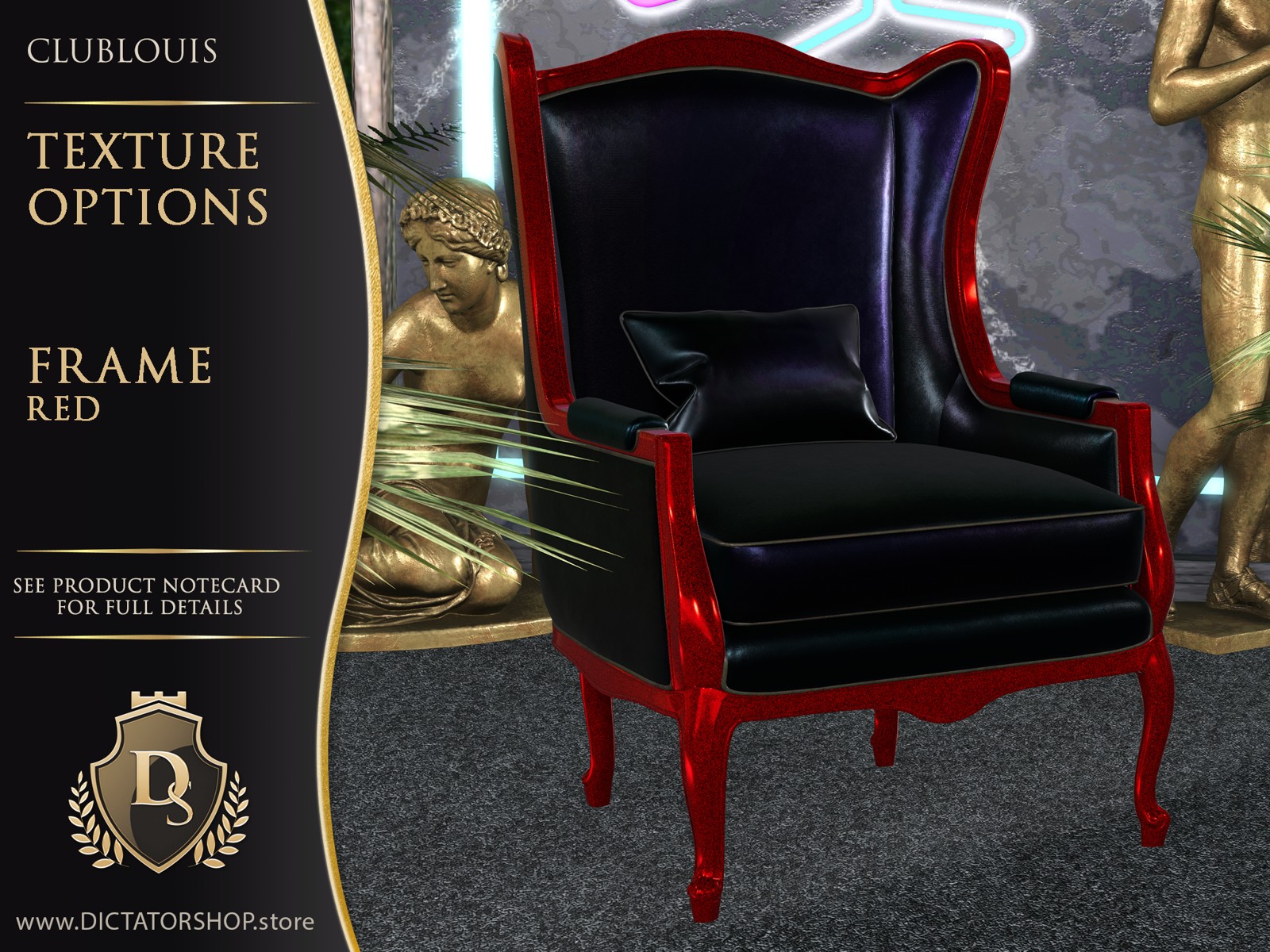
Frame gallery
Browse the supplied finish examples. Click any image to enlarge it.
Piping gallery
Browse the supplied finish examples. Click any image to enlarge it.
Product details
- PBR textures only
- Copy/Mod/No Transfer
- Land impact: 7 AK; 3 PG
- AVsitter: no poseballs, easy adjustment, experience enabled
- Original mesh and hand-made textures
Colours, textures and help
Change Colours & Textures
Click the [Ds] logo button on the furniture to open the texture menu. The logo is usually on the back or on the lower right side as you look at the furniture.
Choose one of 9 presets for a coordinated look, or customise the individual parts. Every element is tintable.
The piping is part of the design. Its neon glow is optional.
PBR textures only.
Match Your Colours
All DICTATORSHOP furniture is modifiable, so you can tint it by hand to suit your space. Match the piping to your favourite neon colour, coordinate with other furniture, or create your own palette. The white fabrics take colour especially well.
ClubLouis uses PBR materials. When tinting manually in your viewer's Edit window, apply the colour in the PBR tab, not the Blinn-Phong tab, for the change to show.
Keep Or Reset Your Custom Colours
Using the texture menu again resets your manual colour changes to the menu's defaults. This is handy if an experiment does not go to plan, but it can also undo a look you want to keep.
To prevent other people from changing your colours accidentally, set security on the [Ds] logo button to Owner Only. You can still use the menu yourself, so your own menu choices can still reset your manual changes.
To disable texture-menu changes altogether, you can remove the texture-change script. Keep an untouched copy of the furniture first so you can return to a working menu later. Remove only the texture-change script, not the animation scripts.
For help, contact Dictatorshop Resident in-world.
Complete your ClubLouis room
More from ClubLouis
View all ClubLouis →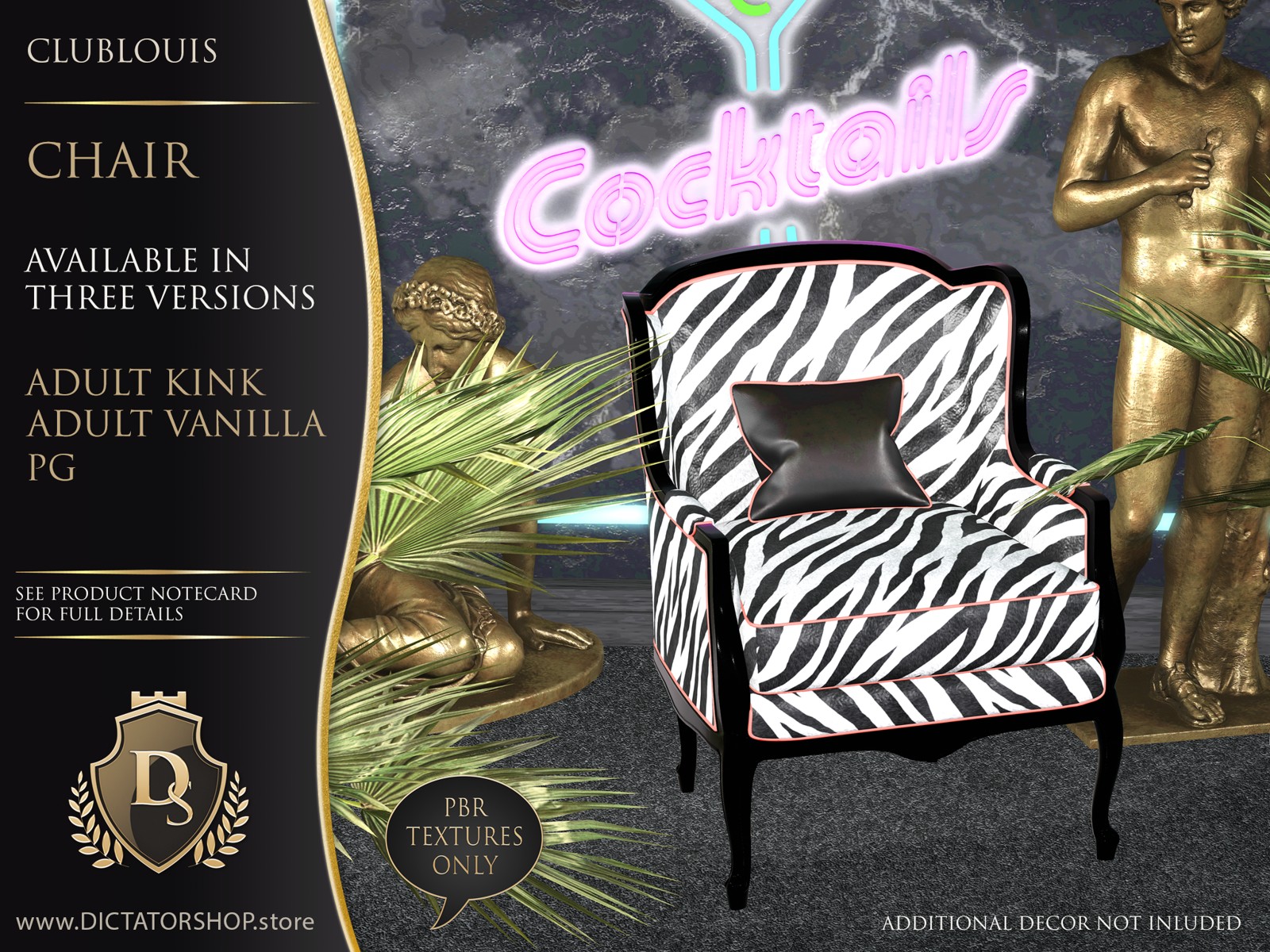
09/26